What Are the Best Practices for ERP Configuration in Retail?

For effective ERP configuration in retail, start by assembling a strong project team including a project manager and change manager. Define clear ERP requirements by analyzing current processes and getting stakeholders involved. Choose a vendor with retail expertise and scalable solutions. Plan data migration carefully, ensuring accuracy and security. Maintain open communication with regular updates and feedback channels. Equip your team with ongoing training to maximize system utilization and conduct thorough testing, incorporating user acceptance tests. Embrace continuous improvement and risk management strategies. There's so much more to uncover on these key points pivotal to a successful ERP deployment.
Key Takeaways
- Engage stakeholders from all departments to define comprehensive ERP requirements and prioritize efficiently.
- Select vendors with proven retail sector expertise and scalable technology for future growth.
- Implement a robust data governance strategy to ensure quality, security, and compliance during data migration.
- Conduct thorough User Acceptance Testing (UAT) with real users to validate system functionality.
- Schedule ongoing training sessions post-deployment to support continuous learning and system adaptation.
Building a Strong Project Team
Creating an effective project team is crucial for the success of ERP configuration in retail, and it starts with selecting a dedicated Project Manager who can oversee all aspects of the process. As the backbone of a strong project team, the Project Manager ensures that timelines and deliverables are met efficiently.
To bolster the team, you'll want to include a business analyst who can expertly assess your current operations and align future goals with the ERP system's capabilities.
Don't overlook the importance of a change manager, as they play a vital role in managing the human elements associated with technical changes. They'll work to minimize user resistance and facilitate smooth adaptation to the new system.
Establishing a Project Management Office (PMO) is another strategic move. A PMO enhances coordination among team members, ensuring clear communication and structured progress tracking throughout the ERP implementation.
Finally, emphasize comprehensive training and ongoing support for your team. This ensures they acquire the necessary skills to manage the ERP system effectively after implementation.
Defining ERP Requirements
Defining ERP requirements is a critical step that sets the foundation for a successful implementation in retail. You need to start by conducting a thorough analysis of your current retail processes. This helps you identify inefficiencies and define business requirements that align with your goals for the ERP system. Involve key stakeholders from various departments to gather insights and expectations. This ensures that all functional areas are represented in the requirements gathering process.
To prioritize, focus on requirements that impact business operations and customer satisfaction, especially those enhancing order management, inventory management, and customer relationship management. Use user stories and brainstorming sessions to elicit detailed functional requirements. Document these requirements clearly to facilitate vendor evaluations and system configurations. Regularly review and update your requirements throughout the project.
This approach helps you adapt to changing business needs and maintain alignment with best practices in ERP implementation. By doing so, you ensure that your ERP system is configured to meet your specific needs and can effectively support your business operations. Selecting a SaaS vendor that aligns with your requirements is also crucial, as it ensures the system is reliable and scalable.
Selecting the Right Vendor
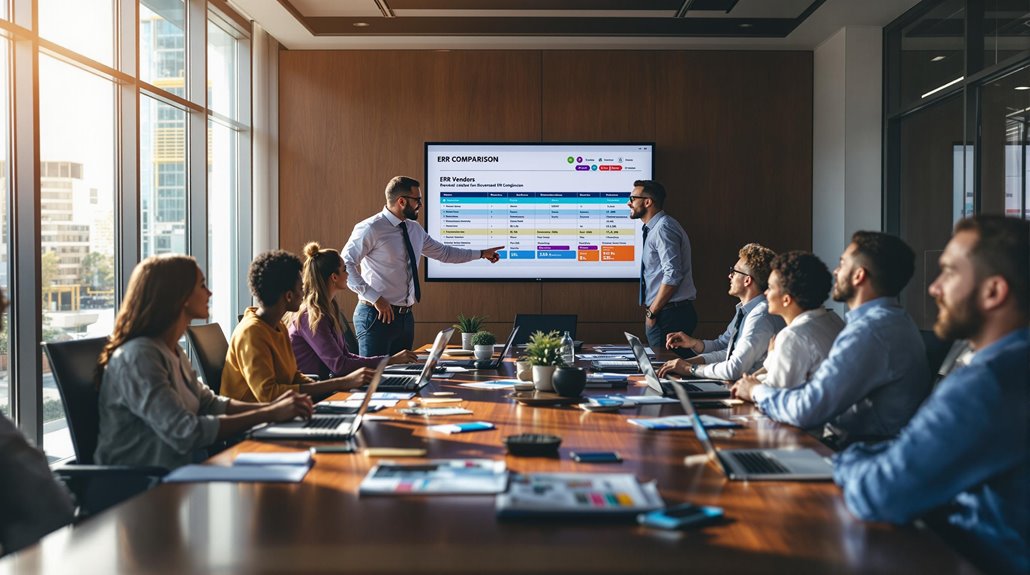
After establishing your ERP requirements, the next step is choosing the right vendor to bring your vision to life. First, prioritize an ERP vendor with extensive experience in the retail sector. They'll likely understand your industry-specific challenges and tailor solutions that meet your unique needs. To gauge their effectiveness, request case studies and references. These will provide insight into the vendor's track record and successful ERP adoption in similar retail environments.
Next, evaluate the vendor's technology offerings. You'll want a system that's scalable and flexible, accommodating future growth or operational changes. This adaptability ensures your solution remains viable as your business evolves. Improved Collaboration and Scalability allows for seamless integration of new modules and users, which is essential for a growing retail business.
Don't forget to examine the total cost of ownership, including licensing, maintenance, and customization costs. Ensuring the ERP fits within your budget over time is crucial.
Additionally, robust support services and comprehensive training options are vital. They provide the necessary assistance for your team to achieve proficiency, ensuring a smooth ERP adoption process.
A vendor committed to ongoing support is key to maintaining efficient operations in the retail sector. By carefully considering these factors, you'll select an ERP vendor that aligns perfectly with your strategic goals.
Planning Data Migration
Data migration is a pivotal step in the successful implementation of an ERP system in retail. Start by conducting a comprehensive audit of your existing data. Identify what needs to be migrated to ensure you only transfer relevant and accurate information, thereby maintaining data quality.
Establish a robust data governance strategy, clearly outlining responsibilities for data quality, security, and compliance throughout the migration process. This strategy is crucial to maintaining the integrity of your data.
Selecting the right migration tools is essential. Consider using ETL processes to facilitate a seamless data transfer. These tools help extract, transform, and load data efficiently, minimizing the risk of loss or corruption during the transition. Implementing database replication ensures data accessibility and consistency across multiple storage locations during migration.
Additionally, develop a realistic timeline for migration, allowing ample time for testing and validating data before the full ERP implementation.
Don't overlook the importance of a backup plan. Safeguard critical data by ensuring recovery options are in place. This plan will enable critical data recovery in case of any migration failures, preventing potential data loss.
Ensuring Effective Communication
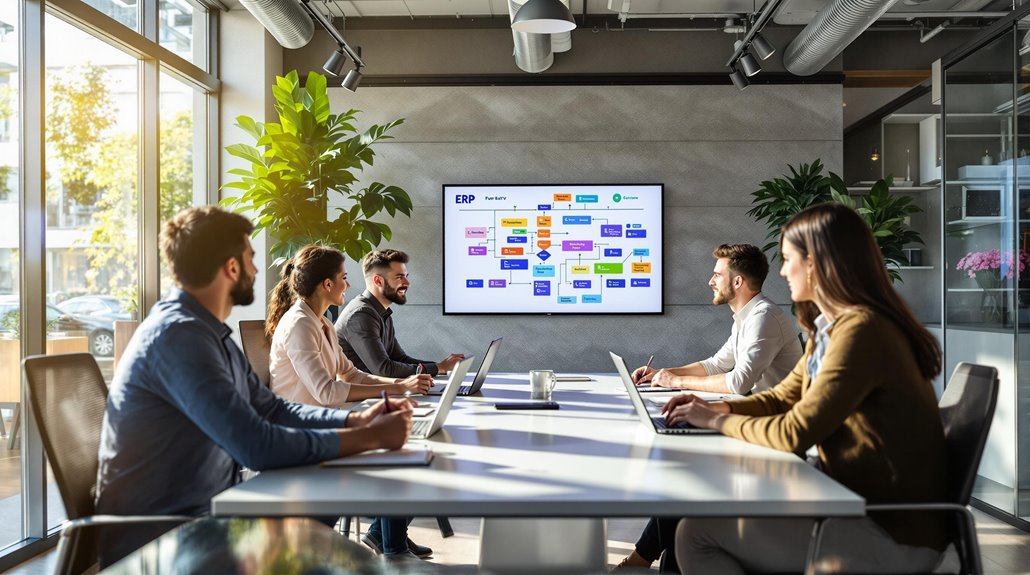
When it comes to configuring an ERP system in retail, establishing effective communication channels is crucial for success. You need to ensure that everyone involved is aligned on project goals and expectations.
Start by setting up clear communication channels among all stakeholders, which will aid in maintaining transparency and stakeholder engagement throughout the ERP configuration process.
Schedule regular update meetings and presentations to keep everyone informed. These sessions not only foster transparency but also encourage a feedback culture, allowing you to address concerns promptly. This open dialogue can significantly enhance decision-making and lead to a more effective ERP implementation.
Leverage collaboration tools to facilitate real-time information sharing and document management. These tools make it easier for the ERP implementation team to access critical data and updates, ensuring nothing falls through the cracks.
Additionally, clearly document all communication related to decisions made during the ERP configuration. Decision tracking is vital for understanding the rationale behind specific configurations and helps in future reference.
Implementing User Training
To ensure a smooth transition to your new ERP system, implementing user training is essential. During the implementation stage, a comprehensive program tailored to various user roles will ensure each participant receives instruction relevant to their tasks.
Start by conducting a skill gap analysis to pinpoint areas needing extra support. This analysis will guide you in creating targeted training that addresses specific deficiencies.
Utilize diverse training methods to cater to different learning styles. Consider hands-on workshops for practical experience, online courses for flexibility, and one-on-one mentoring with superusers for personalized guidance. This mix will engage users and enhance their understanding of the ERP system.
During training sessions, actively gather user feedback to continuously refine and improve your approach. Listening to users ensures the training meets their needs and boosts their proficiency.
Don't stop once the system is live; schedule ongoing training sessions to keep users abreast of new features and functionalities. Automates essential HR processes, saving time and enhancing efficiency. This fosters a culture of continuous learning, helping your team adapt to the evolving ERP landscape.
You are trained on data up to October 2023.
Conducting Thorough Testing

Before fully deploying your ERP system, conducting thorough testing is crucial to ensure it meets organizational standards and user requirements. Start by engaging in User Acceptance Testing (UAT) with real users. This step is essential to validate that the ERP configuration aligns with your business processes and functions as intended.
Establish clear testing criteria and scenarios that reflect your actual business operations, allowing you to effectively evaluate the system's performance under realistic conditions.
Document testing results meticulously. This includes noting any identified issues and their resolutions, providing a valuable reference for quality assurance throughout the implementation process. This documentation helps maintain a clear record and supports ongoing improvements.
Incorporate continuous testing and feedback loops during the implementation phase. These practices enable you to adapt and refine configurations, ensuring the ERP system remains aligned with your evolving business needs.
Continuously testing and gathering feedback can help catch potential problems early, reducing the risk of costly errors after deployment.
To ensure the system integrates seamlessly with your existing technology ecosystems, it is beneficial to explore SaaS tools that offer robust integration features.
Continuous Improvement and Feedback
After thorough testing, it's vital to focus on continuous improvement and feedback to keep your ERP system aligned with your retail business's dynamic needs. Start by regularly gathering end-user feedback on the system's functionality. This feedback loop is crucial for identifying potential enhancements and ensuring your ERP adapts to changing retail environments.
Implement a structured review process every quarter to assess system performance against key performance indicators (KPIs). This will help you spot areas needing adjustments and maintain optimal functionality.
Encourage a culture of continuous learning by offering ongoing training sessions. Incorporate user feedback to tailor these sessions, boosting proficiency and system utilization among your team.
Utilize analytics tools within your ERP system to monitor user engagement and satisfaction. These tools allow you to proactively identify issues or resistance to changes, ensuring smoother transitions and better system acceptance.
Finally, establish a clear channel where users can suggest improvements or report problems. This ongoing feedback loop ensures your ERP system evolves effectively, keeping pace with your retail environment's demands. Additionally, consider integrating your ERP with a centralized platform for seamless data exchange and enhanced operational efficiency.