Pricing Comparison: TSheets vs. Homebase for Small Businesses
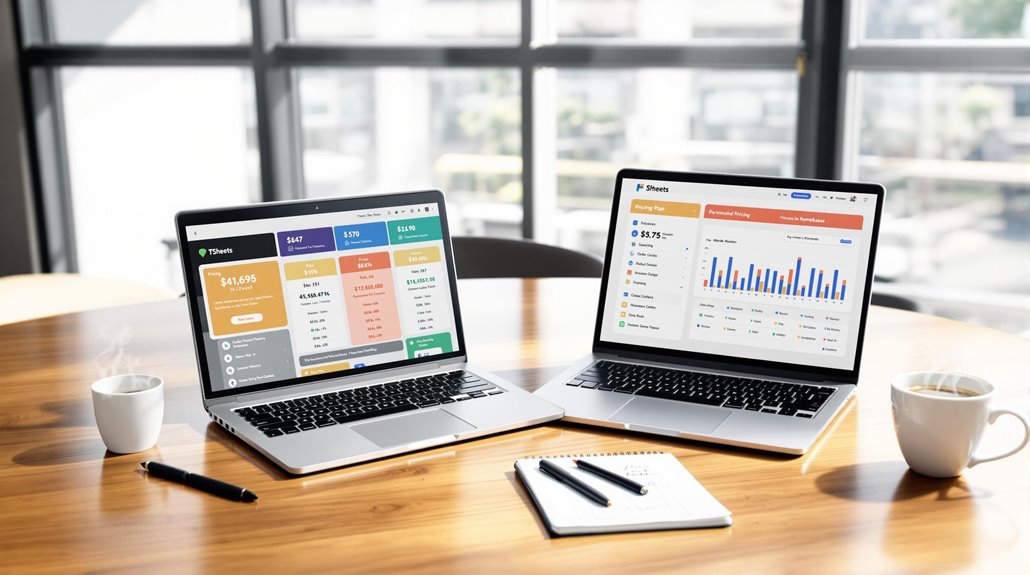
When comparing Homebase and TSheets for small business time tracking, you'll notice distinct pricing strategies. Homebase offers a budget-friendly plan starting at $14/month with no additional costs per employee, letting you manage unlimited staff without financial strain. In contrast, TSheets, starting at $20/month plus $8 per employee, can quickly become costly as your team expands. While Homebase includes scheduling and payroll support, TSheets may require additional software purchases, adding complexity. Homebase's pricing supports growth easily, whereas TSheets emphasizes stellar support and integration. Discover how each platform's distinct offerings might impact your business operations further.
Key Takeaways
- Homebase starts at $14/month with no per-employee fees, supporting unlimited employees on all plans.
- TSheets pricing begins at $20/month plus $8 per employee, potentially costly for larger teams.
- Homebase offers a free plan with comprehensive tools, advantageous for small businesses.
- TSheets lacks a free plan but provides a free trial for feature exploration.
- Homebase's pricing model is more scalable, avoiding escalating costs as teams grow.
Overview of Each Platform
When comparing time management platforms, it's important to understand what each offers. Homebase and TSheets (QuickBooks Time) are popular choices for small businesses, each with distinct features and pricing models.
Homebase provides an all-in-one solution that covers employee scheduling, time tracking, payroll management, and team communication. It's particularly budget-friendly, starting at $14/month without additional per employee fees. This makes it an attractive option for businesses with larger teams, as you can manage unlimited employees on all plans.
TSheets, on the other hand, focuses primarily on time tracking and scheduling. It starts at $20/month, but you'll incur an additional $8 per employee per month. This pricing structure may lead to higher costs as your team grows. While TSheets offers a free trial, it doesn't have a free version, unlike Homebase, which provides essential features like scheduling and time tracking at no cost.
Both platforms offer mobile accessibility, but Homebase's pricing structure stands out for small businesses aiming to expand without escalating costs. Cost considerations are crucial when selecting a platform, and Homebase's model supports scalability, making it a cost-effective choice for small businesses.
Additionally, leveraging SaaS benefits such as scalability and cost efficiency can further enhance the financial viability of using platforms like Homebase.
Core Features Compared
Homebase's comprehensive feature set offers a budget-friendly advantage over TSheets for small businesses. When considering pricing, Homebase stands out with a base price of $14/month and no per-employee fee, making it particularly cost-effective for businesses with larger teams. In contrast, TSheets charges a base fee of $20/month plus $8 per employee, which can quickly add up.
For time tracking, Homebase includes it as part of its free plan, providing an accessible option for small businesses. TSheets offers robust time tracking but requires additional costs for essential features like scheduling and clock-in/out functionalities. This could lead to higher expenses if you need these integrated solutions. Homebase shines in scheduling capabilities, allowing for role assignments and auto-populating employee schedules based on availability. This feature enhances efficiency and reduces manual workload, while TSheets lacks this auto-population feature, requiring manual entry.
Payroll integration is another area where Homebase excels. It offers payroll management for an additional $39 monthly plus $6 per employee, whereas TSheets doesn't include built-in payroll, potentially leading to extra costs.
Both platforms offer mobile access, but Homebase's user-friendly interface simplifies employee management, making it appealing for small business owners. Additionally, the democratization of access through SaaS solutions like Homebase allows small businesses to leverage advanced features typically reserved for larger enterprises, thereby leveling the playing field.
Scheduling and Time Tracking

Offering an all-in-one solution for scheduling and time tracking, Homebase proves to be more cost-effective for small businesses with larger teams. Its free plan allows unlimited employees, saving you significant costs compared to TSheets, which charges $8 per employee each month.
Homebase's auto population tool crafts schedules based on employee availability, boosting your team's efficiency by reducing manual work. In contrast, TSheets requires manual entry, which could eat into valuable administrative time.
Homebase also excels in time tracking, offering it free of charge with GPS verification for clock-ins and outs, ensuring compliance and accuracy. TSheets, however, separates its time tracking tools, adding to your expenses.
For scheduling, Homebase includes features like shift swapping and late alerts, fostering fairness and communication among employees. TSheets lacks these built-in scheduling features and focuses more on job-specific assignments.
When it comes to payroll integration, Homebase simplifies your processes by minimizing errors and the need for additional software. It enhances your operational efficiency, unlike TSheets, which requires separate tools for payroll management.
For small businesses, Homebase's blend of pricing, scheduling, and time tracking capabilities offers a streamlined and cost-effective solution. Adopting SaaS solutions like Homebase allows businesses to benefit from quick deployment and reduced IT costs, enhancing overall efficiency.
Payroll and Integration
Navigating payroll integration can be a significant challenge, but Homebase simplifies this crucial task with its all-in-one platform. For small businesses, Homebase offers a cohesive solution with payroll integration for $39 monthly, plus $6 per employee. This setup streamlines payroll management and significantly reduces errors linked to using separate systems.
With seamless time tracking and payroll management, you can avoid tedious manual entries and make your payroll process more efficient. The integration capabilities of Homebase are designed to enhance communication and reduce errors by connecting smoothly with third-party systems.
On the other hand, TSheets, also known as QuickBooks Time, focuses primarily on time tracking. It lacks built-in payroll functionality, meaning you'll need to connect another software for payroll processing. This adds complexity and potential additional costs, especially if you need comprehensive management tools.
Integrating TSheets with QuickBooks can be cumbersome, as it requires extra steps and may lead to increased expenses.
In a pricing comparison, Homebase stands out by offering a user-friendly experience with its all-in-one platform. It combines scheduling, time tracking, and payroll, providing seamless management that can save you time and money.
Meanwhile, TSheets requires more effort and expense to achieve the same level of integration, making Homebase a more attractive option for small businesses.
Pricing Structures

When examining pricing structures, you'll notice significant differences between TSheets and Homebase. TSheets pricing starts with a base cost of $20 per month, plus $8 per employee, making it potentially costly for small businesses with larger teams. For instance, if you're managing 20 employees, TSheets' monthly cost would soar to $205. This per-employee fee structure can quickly add up, impacting your bottom line.
On the other hand, Homebase pricing is more budget-friendly, starting at just $14 per month for the Essentials plan. Unlike TSheets, Homebase doesn't charge per-employee fees, allowing you to include unlimited employees on all plans. This can be a game-changer for businesses that aim to streamline employee scheduling without breaking the bank.
Additionally, Homebase's location-based pricing can further reduce expenses for multi-location businesses, offering a more scalable solution. Given the subscription-based model favored by 92% of SaaS companies, Homebase's approach aligns with popular monetization strategies.
Both TSheets and Homebase provide free versions and trial options. However, Homebase stands out with its comprehensive features in the free plan, making it an attractive choice for small businesses.
If you're looking to manage scheduling and payroll efficiently, Homebase offers a cost-effective alternative without incurring additional costs.
User Experience and Feedback
Evaluating user experience and feedback reveals important insights into how TSheets and Homebase perform for their users.
Homebase shines with its ease of use and intuitive scheduling features, earning a strong satisfaction score of 4.6 from over 1,000 reviews. Users highlight the platform's flexibility with shift swapping and time-off requests, which significantly boost employee engagement and streamline management for small businesses.
Its communication tools and comprehensive features, even in the free plan, make it a favorite for newcomers transitioning to digital scheduling.
QuickBooks Time, formerly known as TSheets, edges out with a slightly higher user satisfaction rating of 4.7 from nearly 7,000 reviews. Users appreciate its robust integration capabilities with ADP and the platform's quick resolution of issues.
This reliable customer support, rated at 4.8, ensures that any troubleshooting is swiftly handled, keeping your business running smoothly. While both platforms offer valuable features, QuickBooks Time is particularly lauded for its tech support, making it a go-to for those who prioritize seamless integration and efficient problem-solving.
For small businesses deciding between the two, consider whether Homebase's user-friendly interface or QuickBooks Time's strong support and integration better suits your needs.
For small businesses, using a centralized platform for asset control and resource management can help streamline operations and reduce downtime.
Related posts