What Is the Difference Between Saas, Paas, and Iaas?
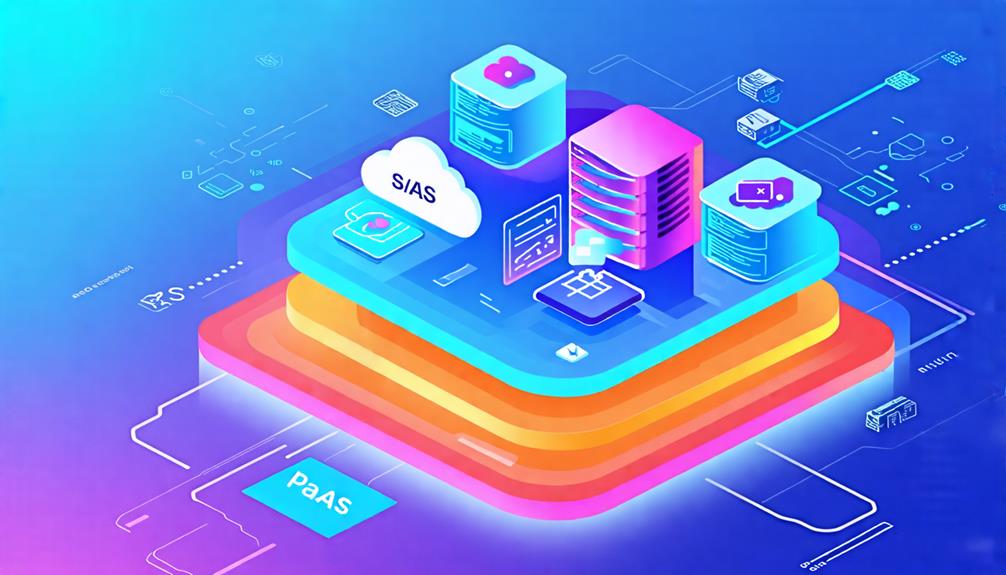
Understanding the distinctions between SaaS, PaaS, and IaaS is crucial when navigating the cloud landscape. Each model addresses different needs and offers unique benefits that can significantly influence your business strategy. SaaS provides ready-to-use applications, PaaS offers development environments, and IaaS delivers control over infrastructure. But how do these differences impact your decisions? Let's delve into the implications of each service model for your operations.
Overview of Cloud Service Models
Cloud service models, including Software as a Service (SaaS), Platform as a Service (PaaS), and Infrastructure as a Service (IaaS), offer tailored solutions to meet diverse business needs and varying levels of user control.
- Software as a Service (SaaS) delivers fully managed software applications over the internet. With SaaS, users can access applications via web browsers without the need for local installations, making it an excellent choice for those seeking a solution that requires minimal user management.
- Platform as a Service (PaaS) provides a cloud-based platform for application development. It equips developers with the tools to build, deploy, and manage applications, abstracting the complexities of infrastructure management. This model is ideal for those focused on software creation without the burden of managing the underlying infrastructure.
- Infrastructure as a Service (IaaS) offers virtualized computing resources, such as servers and storage. IaaS grants users full control over the infrastructure, though it comes with increased management responsibilities. This model is best suited for IT teams that need flexibility in managing their infrastructure.
Understanding SaaS
Software as a Service (SaaS) allows you to access applications online without the need for installations or hardware purchases. With SaaS, you can work from anywhere using just a web browser. This model operates on a subscription basis, offering predictable costs that help mitigate the financial risks associated with traditional software licensing. You gain access to a wide range of cloud services, from productivity tools like Google Workspace to customer relationship management platforms like Salesforce.
A key advantage of SaaS is the elimination of infrastructure management. The service provider handles software updates and security, allowing you to focus on your core tasks. However, this convenience comes with potential security concerns. Storing data on external servers can expose you to risks if the provider experiences issues or breaches. Additionally, some SaaS applications may offer limited customization options, which could impact your workflow. Understanding SaaS enables you to make informed decisions about your software needs and how they align with your business objectives.
Benefits and Drawbacks of SaaS

SaaS consistently delivers convenience and flexibility, making it an attractive option for businesses aiming to streamline their operations. By providing software applications over the internet, SaaS eliminates the need for local installations and significantly reduces hardware costs. With services like Dropbox and G Suite, businesses can access a wide range of applications tailored to meet diverse needs without the hassle of maintaining and updating software.
A key benefit of SaaS is its subscription-based pricing model, which enhances budget predictability and lowers the total cost of ownership compared to traditional on-premises solutions. However, drawbacks exist. Limited control over data security can be a concern, especially for sensitive information. Compatibility issues with existing business applications might arise, potentially disrupting workflow.
Additionally, data portability can pose challenges when switching providers. Migrating data to new systems isn't always seamless, adding complexity to the process. While SaaS offers numerous advantages, it's essential to weigh these benefits against potential drawbacks to make informed decisions about your business's software needs.
Exploring PaaS
Platform as a Service (PaaS) simplifies the application development process by offering a robust, cloud-based environment that allows you to build, deploy, and manage applications without the need to handle the underlying infrastructure. With PaaS, developers can leverage pre-built tools, libraries, and integrated development environments to streamline workflows and enhance productivity.
Major PaaS providers, such as Google App Engine and Microsoft Azure, offer essential resources that facilitate rapid application development. These platforms enable seamless collaboration among development teams by providing shared access to resources and tools, thereby accelerating innovation.
Operating on a pay-as-you-go pricing model, PaaS allows you to scale resources based on demand, eliminating the need for large upfront investments. Additionally, PaaS solutions typically include built-in security features and automatic software updates, reducing maintenance burdens and allowing you to focus more on coding and designing your applications.
Advantages and Disadvantages of PaaS

While PaaS (Platform as a Service) greatly streamlines application development, it's crucial to evaluate both its advantages and disadvantages to determine if it fits your business needs. Here are some key points to consider:
- Improved collaboration: PaaS provides a shared platform and pre-built tools, fostering teamwork among developers and enhancing project efficiency.
- Scalability: PaaS allows for easy scalability to adapt to changing business demands without requiring extensive infrastructure management.
- Reduced complexity: By offloading infrastructure management, PaaS simplifies software deployment, enabling you to focus on the development process.
- Cost-effectiveness: PaaS typically operates on a pay-as-you-go model, allowing you to pay only for the resources you use, which can lead to lower overall development costs.
Ultimately, the advantages of PaaS can significantly enhance your development efforts, but the potential limitations should be carefully considered to ensure alignment with your long-term strategy. Evaluating these factors will help you make an informed decision tailored to your organization's goals.
Insights Into Iaas
IaaS, or Infrastructure as a Service, provides businesses the flexibility to rent virtualized computing resources, eliminating the need for physical hardware investments. Leading IaaS providers, such as Amazon Web Services, Microsoft Azure, and Google Cloud, offer scalable solutions tailored to your needs. With IaaS, you can deploy virtual machines and maintain control over your operating systems and applications, while the provider manages the underlying physical infrastructure.
A significant advantage of IaaS is its pay-as-you-go pricing model, allowing you to pay only for the resources you use, which can result in substantial cost savings. This model is especially beneficial for businesses with fluctuating workloads or sudden demand spikes.
IaaS is suitable for various applications, including disaster recovery and e-commerce platforms requiring reliable uptime. It supports high-performance computing environments, enabling dynamic resource scaling as needed. By leveraging cloud infrastructure, you can enhance operational efficiency and concentrate on core business activities without the burden of managing physical servers.
Comparing the Three Models
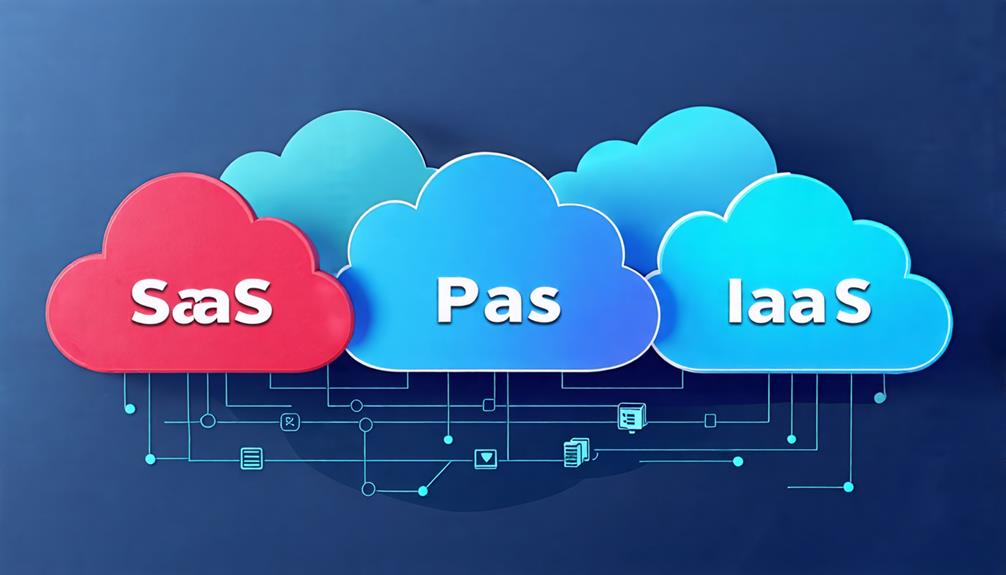
When comparing SaaS, PaaS, and IaaS, you'll notice distinct characteristics tailored to different needs. Each model offers unique features suited for specific use cases, influencing your approach to technology solutions. Understanding these differences ensures you choose the right model for your projects, aligning with your requirements and goals.
Service Model Characteristics
Understanding the distinct characteristics of IaaS, PaaS, and SaaS helps you choose the right cloud service model for your specific needs. Each model offers unique benefits tailored to different users and requirements.
- IaaS (Infrastructure as a Service) provides virtualized computing resources, giving you control over operating systems and applications while the cloud service provider manages the hardware infrastructure. This model is ideal for IT teams that require high levels of customization and control over their environments.
- PaaS (Platform as a Service) is designed for developers, offering a platform to build, test, and deploy applications without the need to manage the underlying infrastructure. PaaS streamlines the development process with essential tools and services, making it easier to focus on coding and innovation.
- SaaS (Software as a Service) delivers fully managed software applications over the internet on a subscription basis. These applications can be accessed through web browsers, eliminating the need for local installations and providing seamless updates and maintenance. SaaS is ideal for end-users seeking ready-to-use software solutions.
- Billing Methods: IaaS and PaaS typically charge based on resource usage, allowing for flexible scaling and cost management. In contrast, SaaS often operates on fixed subscription fees, providing predictable budgeting for software access.
- Target Users: IaaS is best suited for IT teams needing granular control over infrastructure. PaaS attracts developers focused on efficient application development, whereas SaaS caters to end-users looking for accessible and fully managed software solutions.
With these differences in mind, you can make an informed decision about which cloud service model aligns best with your organization's needs.
Use Case Scenarios
Selecting the appropriate cloud service model is essential and depends on specific use case scenarios that highlight the strengths of SaaS, PaaS, and IaaS. If your primary need is ready-to-use software hosted online with minimal customization, then SaaS (Software as a Service) is your best choice. Services like Salesforce or Google Workspace allow you to access essential applications without the need to manage any underlying infrastructure.
For those focused on application development and requiring a platform to build, test, and deploy, PaaS (Platform as a Service) is ideal. It provides collaborative environments and tools that streamline the development process, making it perfect for developers aiming to innovate rapidly.
Lastly, if your organization needs extensive infrastructure management and control over IT resources, IaaS (Infrastructure as a Service) is the right fit. With options like virtual machines and scalable storage, you can customize and manage your infrastructure to meet specific workload requirements, especially for resource-intensive applications or disaster recovery solutions. Understanding these use cases ensures that you can align your business resources with the appropriate cloud model, thereby maximizing efficiency and effectiveness in meeting your organizational needs.
Conclusion
Understanding the differences between SaaS, PaaS, and IaaS helps you choose the right cloud service for your needs. SaaS (Software as a Service) provides ready-to-use applications, ideal for users seeking convenience. PaaS (Platform as a Service) offers a collaborative environment for developers who want to build and deploy apps. IaaS (Infrastructure as a Service) gives you full control over the infrastructure, making it suitable for those who need customizable and scalable resources. By knowing their unique benefits, you can make informed decisions that align with your goals.