What Is a POS System? a Simple Guide for Beginners

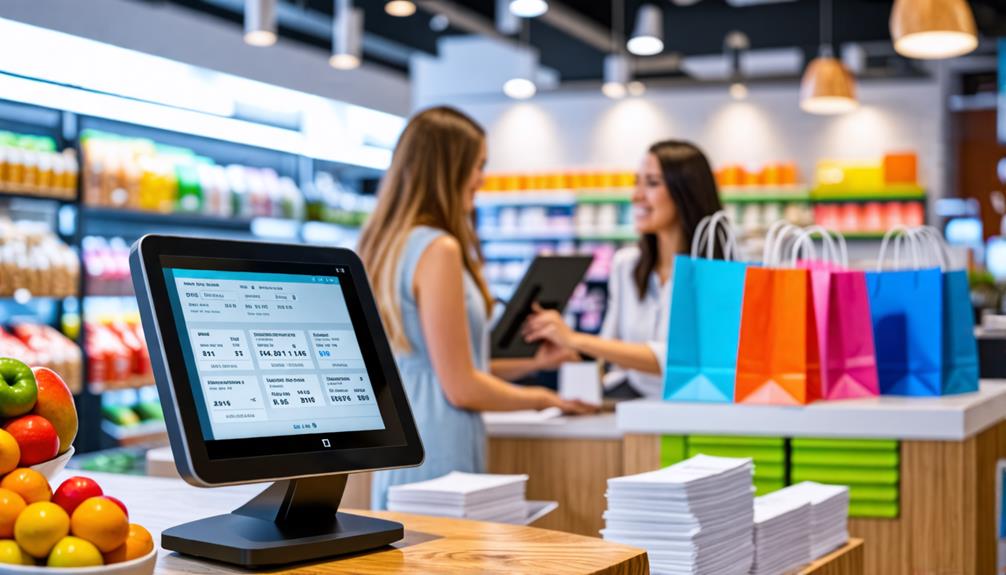
When you think about running a business, one essential element that can streamline your operations is a POS (Point of Sale) system. It's more than just a tool for processing sales; it integrates functions like inventory management, customer data analysis, and reporting to enhance your workflow.
Understanding its components and benefits can significantly improve your business efficiency. So, what should you consider when selecting the right system for your needs?
Let's delve into the fundamentals to help you make an informed choice.
Overview of POS Systems
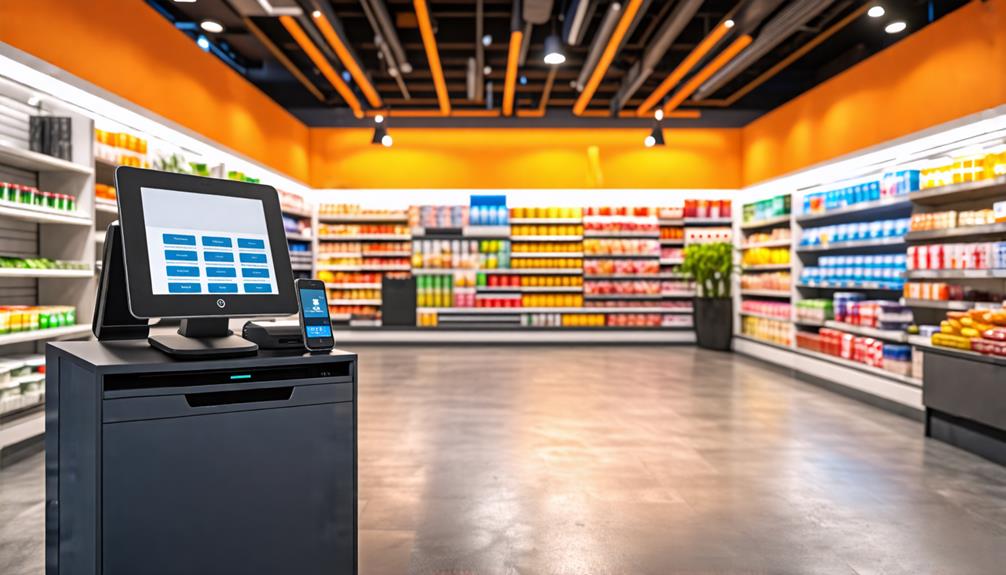
A POS (Point of Sale) system integrates hardware and software to streamline sales transactions, manage inventory, and track customer data in retail settings. Modern POS systems enhance inventory management by monitoring stock levels and automating reorders for popular items. These systems also support customer relationship management by collecting and analyzing customer data for targeted marketing.
Effective payment processing is a critical feature, enabling acceptance of various payment methods and ensuring smooth transactions. Automation of sales processes minimizes manual errors and improves operational efficiency.
Additionally, reporting and analytics provide valuable insights into sales trends and customer behavior, essential for informed decision-making and optimizing retail strategies. In today's fast-paced retail environment, a robust POS system enhances operational efficiency, allowing businesses to focus on growth and excellent customer service.
Key Components of POS Systems
Understanding the key components of a POS system is crucial for smooth daily operations. Each part, from the POS terminal and cash drawer to the inventory management software, plays an essential role. Here's a breakdown of these core elements to help you maximize your POS system's efficiency.
Hardware Essentials Overview
Understanding the key hardware components of a Point of Sale (POS) system is crucial for setting up an efficient sales environment. Each piece plays a critical role in streamlining your transaction process.
Here is an overview of the fundamental hardware components:
| Component | Function | Importance |
|---|---|---|
| Cash Drawer | Manages and secures cash transactions | Ensures safe and organized cash handling |
| Barcode Scanner | Quickly identifies items during checkout | Accelerates the checkout process |
| Receipt Printer | Generates transaction receipts | Provides customers with proof of purchase |
| Card Reader | Processes credit and debit card payments | Facilitates seamless cashless transactions |
| Customer Display | Shows purchases and total costs to customers | Enhances customer visibility and trust |
Software Functionality Breakdown
Selecting the appropriate hardware is just one aspect; effective POS software is essential for managing sales operations and enhancing customer interactions.
The right POS software can streamline your business processes and provide valuable insights to drive growth. Key components to consider include:
- Inventory Management: Tracks real-time stock levels and automates reordering to prevent stockouts or overstocking.
- Customer Relationship Management (CRM): Collects and analyzes customer data to enable personalized marketing and improve engagement.
- Reporting and Analytics: Delivers insights into sales performance, product trends, and customer behavior, facilitating data-driven decision-making.
- Financial Tracking: Integrates with accounting systems to streamline tax preparation and ensure accurate financial records.
Types of POS Systems
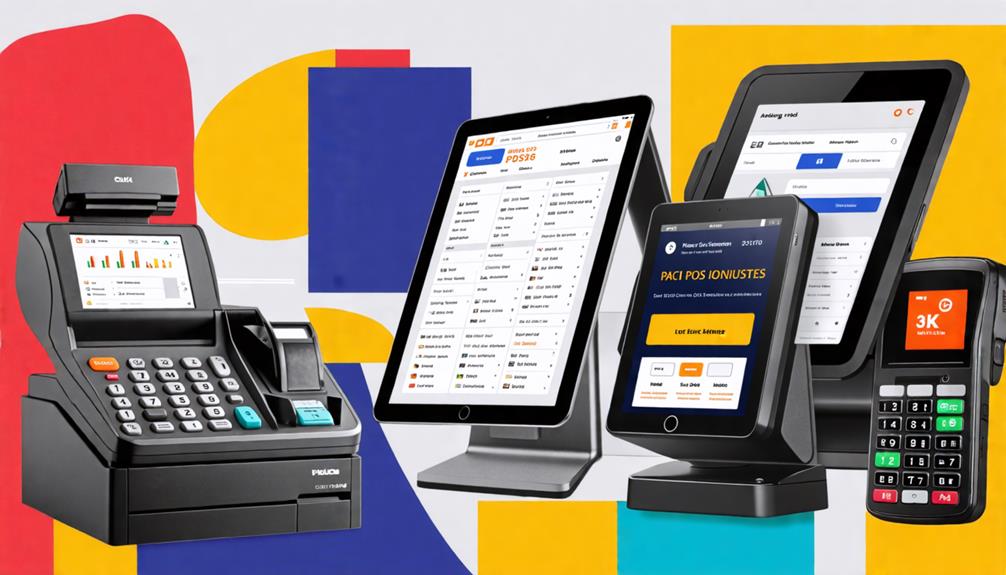
There are several types of POS systems available, each tailored to meet diverse business needs and operational preferences. Understanding these options can help you choose the right system for your business.
| Type of POS | Key Features | Ideal For |
|---|---|---|
| Cloud-Based POS | Scalability, real-time updates, internet-based | Businesses needing flexibility |
| Tablet-Based POS | Portability, uses mobile devices | Small spaces or mobile setups |
| Traditional POS | Physical hardware, reliable transactions | Retail, restaurants |
| Mobile POS (mPOS) | Operates on smartphones, on-the-go transactions | Food trucks, events |
| Self-Service Kiosks | Independent transactions, reduces wait times | Fast food, retail |
When deciding which POS system to implement, consider factors like transaction volume, hardware requirements, and mobility needs. A cloud-based POS offers scalability and real-time updates but may pose data security risks. Tablet-based POS systems are flexible and portable, ideal for small spaces or mobile setups. Traditional POS systems are reliable and suitable for high-traffic environments like retail and restaurants. Mobile POS systems enhance sales opportunities on-the-go, making them perfect for food trucks and events. Self-service kiosks streamline customer transactions and reduce wait times, ideal for fast food and retail settings. Choose the POS system that best aligns with your unique business needs and operational requirements.
Benefits of Using a POS System
Implementing a POS system significantly enhances operational efficiency by streamlining sales processes and minimizing human error. It also offers robust inventory management with real-time insights into stock levels and trends, enabling smarter purchasing decisions and ensuring customer satisfaction.
Increased Operational Efficiency
Implementing a POS system can significantly enhance your sales processes by reducing manual entry errors and expediting customer checkouts. By automating various tasks, you'll notice a considerable boost in operational productivity.
The right POS system offers:
- Real-time inventory management: Effortlessly monitor stock levels.
- Automated reordering: Ensure popular items are always in stock.
- Streamlined payment processing: Offer multiple payment methods for customer convenience.
- Comprehensive reporting: Access detailed insights into sales trends and customer behaviors.
These features not only improve efficiency but also enhance customer satisfaction. Faster transactions and improved service quality increase the likelihood of repeat business. Research indicates that businesses utilizing POS systems can see up to a 20% improvement in operational productivity. By integrating these tools into your daily operations, you'll save time and focus more on growing your business. Investing in a POS system is a prudent choice if you aim to optimize your sales processes and overall efficiency.
Enhanced Inventory Management
Enhanced inventory management through a POS system enables real-time tracking of stock levels, helping to prevent costly stockouts and overstock situations. Automated features significantly reduce manual errors, lowering discrepancies by up to 30%, as studies indicate. This efficiency allows you to spend less time on corrections and more on business growth.
The detailed reporting capabilities of a POS system offer valuable insights into product performance. By identifying your best-selling items, you can optimize inventory to meet customer demand, keeping popular products in stock and boosting overall cash flow. Digital records of inventory movements streamline the reordering process, allowing for informed purchasing decisions based on actual sales trends. This ensures you effectively meet customer needs.
A POS system not only manages inventory but also transforms your response to market demands, thereby enhancing your profitability. Overall, improved inventory management through a POS system empowers you to operate more efficiently and profitably.
Setting Up a POS System
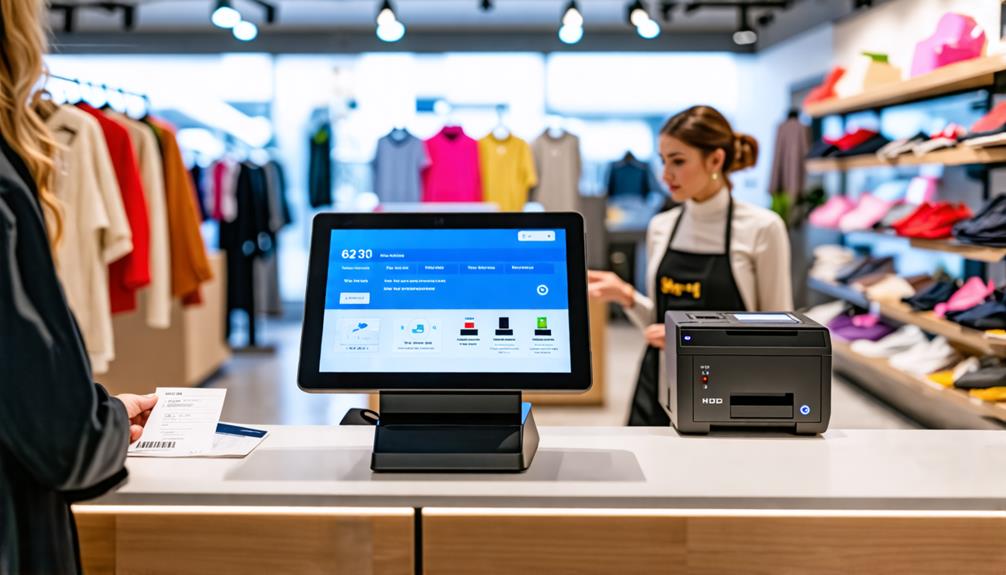
Setting up a Point of Sale (POS) system involves selecting a retail management solution that meets your business requirements and integrates seamlessly with your existing software infrastructure. Follow these steps for a smooth and efficient setup:
- Identify Required Hardware: Choose devices for transactions such as computers, tablets, or iPads, payment terminals, cash drawers, barcode scanners, and receipt printers.
- Decide on Setup Method: Opt for a DIY approach for simple configurations or seek vendor-assisted onboarding for more complex setups.
- Train Your Team: Ensure that all team members understand how to use the system effectively once it's installed.
- Configure User Accounts: Set up user accounts with appropriate permission levels based on roles to control access and maintain security.
- Link Payment Equipment: Ensure your software is configured with your business details and connected to payment processors for seamless transaction processing.
Once everything is powered on and connected to WiFi, launch the software and familiarize yourself with the interface. Proper training and integration will streamline operations and enhance customer experiences.
Selecting the Right POS Solution
Choosing the right POS solution is essential for enhancing your business operations and ensuring a seamless customer experience. Begin by evaluating your specific business needs, such as transaction volume, inventory management, and customer management features. A robust POS system should streamline your operations and cater to your unique requirements.
Consider the integration capabilities of each POS option. Check for compatibility with your existing software, including eCommerce platforms, accounting systems, and marketing solutions. This ensures seamless integration and enhances operational efficiency across all systems.
Prioritize PCI compliance to protect customer payment information and maintain trust in your business operations. Research the integration options provided by POS vendors to ensure data accuracy and reliability.
Ultimately, selecting the right POS solution involves balancing functionality with your business objectives. Thoroughly assess each option to find a system that meets your inventory management and sales processing needs, and aligns with your long-term growth strategy. This careful approach will lay the foundation for a successful POS implementation.
Training and Support for Users
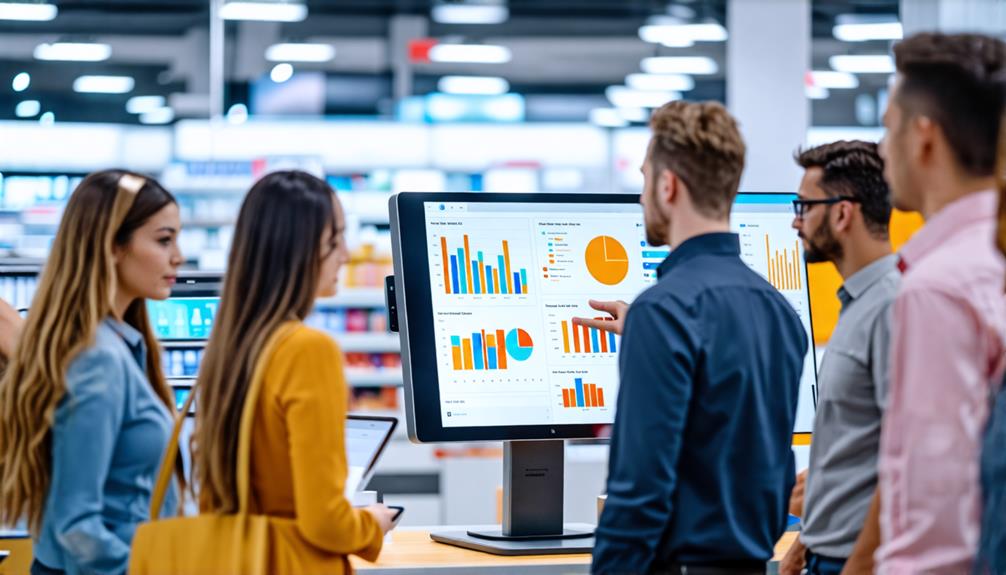
Effective training and support are essential for ensuring that your staff can confidently navigate the POS system and deliver exceptional customer service. Investing in comprehensive training empowers employees to minimize errors and enhance their performance.
Key elements for effective training and ongoing support include:
- Training Resources: Provide accessible video tutorials, user manuals, and help articles.
- Regular Updates: Schedule periodic training sessions to keep staff updated on new features and best practices.
- Ongoing Support: Ensure that your POS vendor offers support through multiple channels, such as phone, email, and live chat.
- Feedback Mechanisms: Implement systems for staff to report issues and suggest improvements, fostering a collaborative environment.
Common Challenges and Solutions
Even with thorough training and support, businesses often encounter challenges when implementing a POS system. Understanding these issues can lead to effective solutions. One major hurdle is the initial investment, covering hardware, software, and installation fees. To ease this financial burden, consider phased implementation to spread costs over time.
Training and adjustment can also be difficult, as employees might need time to adapt to the new system. Implementing extensive training programs can significantly reduce disruptions and improve employee management.
Integration complexity presents another challenge. Ensuring your POS system works smoothly with existing software—such as accounting and inventory systems—is crucial for operational efficiency. Collaborate with your vendor to address these integration needs early on.
Maintenance and technical support are critical for preventing downtime. Choose vendors that offer robust support packages to resolve issues swiftly. Additionally, don't overlook data security concerns. Opt for a POS system that prioritizes PCI compliance and incorporates strong security measures to protect customer information and prevent fraud.
Conclusion
In summary, a POS system is an essential tool that can streamline your sales process and enhance your business operations. By understanding its components and benefits, you'll be better positioned to choose the right solution for your needs.
With proper setup and training, you can effectively address common challenges and maximize the advantages of your POS system. Embrace this technology to boost your efficiency and elevate customer satisfaction.