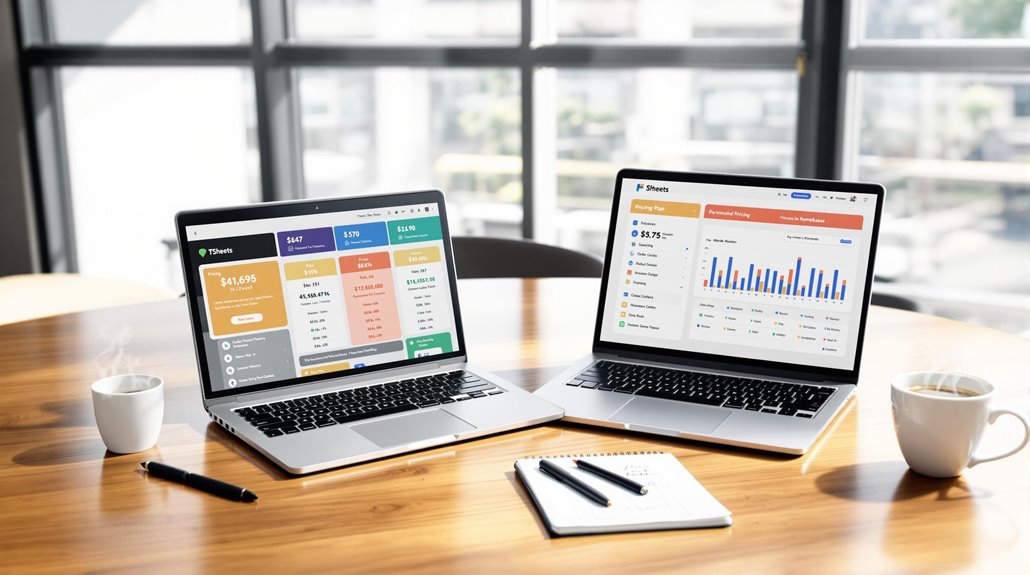
TSheets vs. Homebase: Which Is Better for Scheduling Flexibility?

If you need scheduling flexibility, Homebase could be your best bet over TSheets. It offers auto-populated schedules based on availability and easy shift swapping features, allowing employees more autonomy. Homebase's interface is user-friendly and supports unlimited employees without extra charges, making it budget-friendly. While TSheets excels in time tracking and reporting, its scheduling requires manual entry, which can be time-consuming. Homebase integrates payroll seamlessly, streamlining administrative tasks. It's ideal for small to mid-sized businesses looking for robust scheduling on a budget. Stay tuned for a tailored comparison to find the perfect fit for your scheduling needs.
Key Takeaways
- Homebase offers shift swapping, promoting employee autonomy and scheduling flexibility.
- Homebase provides auto population for scheduling based on availability, enhancing efficiency.
- TSheets requires manual schedule entry, limiting flexibility and adaptability.
- Homebase's user-friendly interface simplifies scheduling management for diverse workforces.
- TSheets is praised for performance metrics but lacks enhanced scheduling flexibility features.
Target Industries and User Base
When evaluating scheduling solutions, understanding the target industries and user base of each platform is crucial. Homebase and TSheets serve different needs and audiences, which can significantly influence your decision.
Homebase primarily aims at small to mid-sized businesses, such as restaurants, retail, healthcare, and home repair services. These industries benefit from Homebase's focus on employee scheduling and management, offering integrated scheduling that combines payroll and team communication. This platform is ideal if you're managing a diverse workforce and need streamlined operations.
TSheets, now known as QuickBooks Time, caters to a broader demographic, from freelancers to large corporations, including Fortune 500 companies. Its strength lies in time tracking and project management, making it a favorite in labor-intensive industries.
TSheets is particularly suited for environments requiring precise time tracking, including GPS tracking for remote teams and job-specific assignments. If your business heavily relies on accurate time tracking and project management across various team sizes, TSheets might be the better choice.
Both platforms enhance scheduling flexibility, but your decision should hinge on whether you need comprehensive employee scheduling like Homebase or robust time tracking and project management as offered by TSheets. Additionally, the rise of customizable HR solutions allows businesses to tailor these platforms to meet specific organizational needs, ensuring strategic HR management.
Core Features Comparison
In the realm of scheduling solutions, Homebase's all-in-one platform stands out with its comprehensive offerings, including scheduling, time tracking, payroll integration, and team communication. It excels with advanced features like shift notes and late alerts, and its auto population tool streamlines scheduling by considering employee availability, ensuring fairness in shift allocation.
This contrasts with TSheets, where schedules require manual entry without auto population, focusing more on time tracking and job-specific assignments.
Homebase's time clock feature allows employees to clock in and out via a mobile app with GPS verification, a capability included in its free plan. In comparison, TSheets charges for similar time tracking tools, potentially increasing costs, especially with its per-employee and per-location pricing model.
Homebase supports unlimited employees across all plans, making it a budget-friendly choice for businesses anticipating growth.
While TSheets offers project management tools, it lacks some employee engagement features found in Homebase. Additionally, Homebase's integrated payroll functionality further simplifies administrative tasks, enhancing its scheduling features' overall value.
The SaaS model's adaptability allows businesses like Homebase to provide cost-effective and scalable solutions, further emphasizing its appeal for small and medium businesses.
Ultimately, if you're seeking a versatile platform with robust scheduling and employee management capabilities, Homebase provides a comprehensive and cost-effective solution.
Scheduling Tools and Flexibility
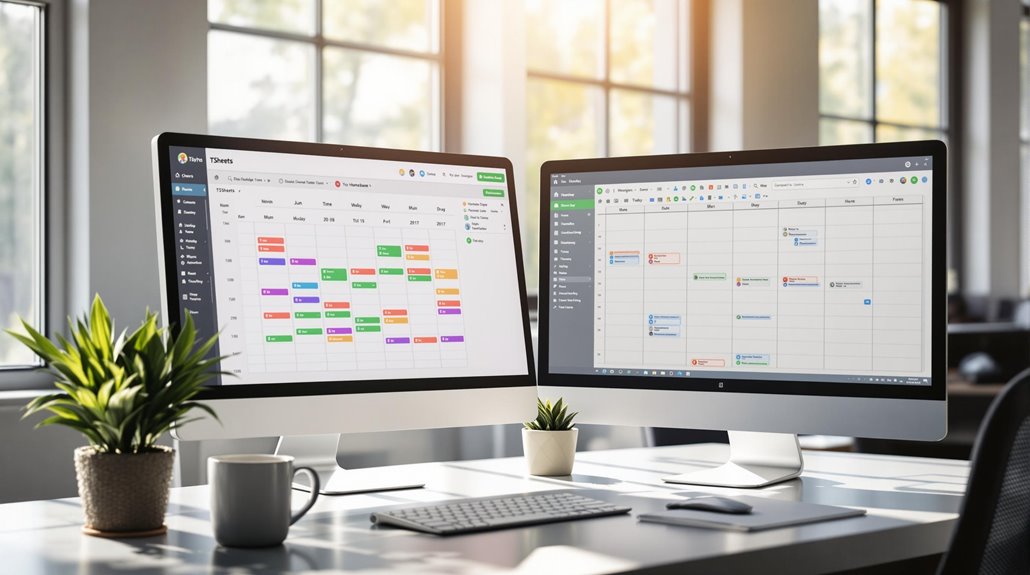
Embracing the need for efficient scheduling, Homebase offers advanced tools that prioritize flexibility, such as auto population based on employee availability and role assignment. This feature allows you to streamline employee scheduling by automatically generating shifts that fit your team's needs. Unlike Homebase, TSheets requires manual schedule entry, which can be time-consuming and less adaptable to last-minute changes.
Homebase shines with its shift swapping capability, promoting fairness and flexibility among employees. They can easily adjust their schedules without management's constant involvement, giving your team the autonomy they appreciate. This flexibility isn't as pronounced in TSheets, where such features aren't emphasized. Homebase also accommodates unlimited employees in its plans, making it ideal for businesses with dynamic staffing needs. In contrast, TSheets charges per employee, potentially limiting your flexibility if you have a large team.
Both Homebase and TSheets provide mobile access, ensuring you can manage schedules on the go. However, Homebase's user-friendly interface simplifies the scheduling process, making it easier for businesses of all sizes to navigate. Ultimately, Homebase's scheduling tools offer more flexibility, perfect for businesses seeking efficient, adaptable solutions.
Additionally, the importance and cost efficiency of SaaS models make Homebase a favorable option, reducing initial costs and offering a lower total cost of ownership.
Time Tracking and Payroll
Managing time tracking and payroll efficiently is crucial for any business aiming for streamlined operations. TSheets and Homebase both offer robust time tracking features that allow employees to clock in and out using mobile apps with GPS verification. This enhances accountability and helps you maintain accurate records of employee performance.
Homebase stands out by including time tracking as part of its free plan, making it a cost-effective choice, especially if your team size fluctuates. Moreover, Homebase integrates payroll management directly within the platform for $39 monthly plus $6 per employee, simplifying the scheduling and payroll process by reducing errors associated with manual entry.
It also offers advanced features like labor cost tracking and detailed employee performance reports, which help you optimize workforce scheduling and manage labor costs effectively. Implementing automation features in SaaS accounting tools can further save time on repetitive tasks and improve efficiency.
On the other hand, TSheets charges for its time tracking tools and focuses on job-specific assignments. However, it doesn't offer built-in payroll functionality, requiring additional software to manage payroll.
If your business prioritizes job-specific time tracking, TSheets might be suitable, but Homebase's all-in-one approach to scheduling and payroll could save you time and money in the long run.
Pricing Structure and Plans

When comparing the pricing structure of TSheets and Homebase, it's clear that Homebase offers a more budget-friendly option for businesses with growing teams. Homebase stands out with its free plan, allowing unlimited employees to use basic scheduling tools without any upfront costs.
In contrast, TSheets charges per employee and location, which can quickly increase your expenses as your team size expands. Homebase's paid plans start at $24.95 per month per location, providing a cost-effective solution for larger teams.
On the other hand, while TSheets begins at $20 per month, the per-employee pricing can lead to additional costs, making it less ideal for businesses planning to scale. This means with Homebase, you can maintain control over your budget even as your team grows, thanks to its accommodating pricing structure.
Moreover, while both platforms offer free trials, Homebase's free version gives you more comprehensive scheduling capabilities compared to TSheets. If you require advanced time tracking features, TSheets might be a consideration, but remember, these come at a cost.
Ultimately, Homebase provides a more economical choice without compromising on essential scheduling tools, especially for businesses mindful of budget and team expansion. Additionally, SaaS solutions like Homebase allow businesses to focus on core competencies, enabling them to allocate resources effectively for growth and innovation.
User Experience and Support
After examining the pricing structure, it's time to focus on the user experience and support offered by TSheets and Homebase.
Homebase boasts a user sentiment rating of 91 for its user-friendly interface and communication features. However, 58% of users find its setup and onboarding process confusing, even with regular updates, community forums, and training materials to enhance the experience.
Conversely, TSheets scores a higher rating of 93, praised for its performance metrics and integration with tools like ADP, though some users find certain functionalities clunky.
When it comes to customer support, TSheets is noted for reliable support, rated responsive by 87% of users, despite occasional delays and limited support hours. Homebase users, however, report challenges accessing customer service, which can impact the flexibility they seek.
Key points to consider:
- User Experience: TSheets excels in performance, Homebase in interface.
- Customer Support: TSheets is more reliable, but Homebase needs improvement.
- Onboarding Process: Homebase users face confusion despite resources.
- Integration: TSheets offers robust integration with popular tools.
- User Reviews: TSheets receives more positive feedback, especially in scheduling flexibility.
Ultimately, choose based on your priority: interface simplicity or integration and performance. SaaS solutions like TSheets and Homebase offer scalability, allowing businesses to grow without incurring high costs.
Technical Capabilities and Usability
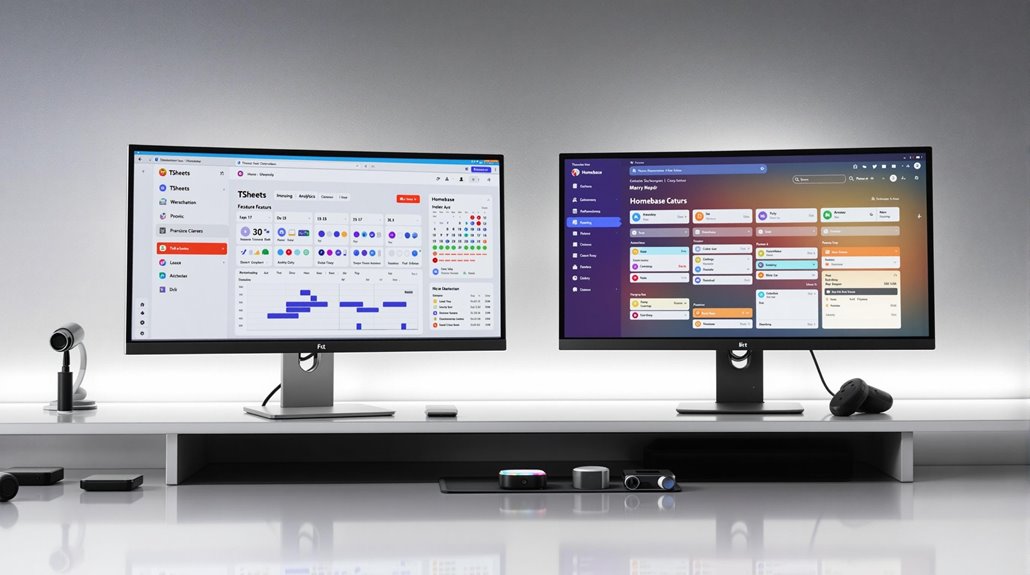
Navigating the technical capabilities and usability of scheduling tools like TSheets and Homebase can reveal critical distinctions that impact your choice.
Homebase shines with its all-in-one platform, offering advanced scheduling features such as auto-populating schedules based on employee availability. This not only saves time but enhances scheduling flexibility. In contrast, TSheets requires manual schedule entry, which might slow you down, especially if managing a large team.
When it comes to usability, Homebase leads with a user-friendly interface that 93% of users praise, especially for its mobile capabilities. This makes managing schedules on-the-go a breeze.
TSheets, however, struggles in this area, with 67% of users finding it clunky and hard to navigate, which might affect your productivity.
Homebase supports role assignments for employees, aiding in fair shift allocation and promoting effective task management. This flexibility is something TSheets lacks, focusing more on job-specific assignments.
Both platforms offer web and mobile clock-in/out, but only Homebase includes time tracking in its free plan. Customer feedback highlights that Homebase satisfies 80% of typical functional requirements without extra costs, whereas TSheets often demands additional software purchases.
Additionally, implementing SaaS ITSM solutions can increase operational efficiency through automation, which could complement the scheduling capabilities offered by tools like Homebase.
Reporting and Management Tools
Efficiency in reporting and management tools can significantly influence your scheduling and workforce optimization. Homebase and TSheets both offer robust features, but they cater to different needs.
Homebase shines with its labor cost tracking and employee performance reports, providing real-time insights that help you optimize scheduling and workforce management effectively. On the other hand, TSheets excels in project and payroll reports, helping you analyze time spent on tasks and streamline payroll processing.
Both platforms offer customizable reporting, allowing you to tailor reports to your specific business needs. However, Homebase includes more advanced reporting tools in its free plan, while TSheets might require additional software purchases for comprehensive features. Customer Satisfaction Metrics like Net Promoter Score and Customer Satisfaction Score are crucial for assessing user satisfaction and guiding product improvements.
Consider the following:
- Labor Cost Tracking: Homebase's reports give you actionable insights to reduce costs.
- Employee Performance: Gain real-time insights with Homebase to drive workforce efficiency.
- Customizable Reporting: Both platforms allow tailoring of reports to fit your business metrics.
- Scheduling Reports: Homebase excels in simplifying the scheduling process through effective reports.
- Team Communication: Homebase enhances management efficiency with superior team communication tools.
Ultimately, your choice depends on whether you prioritize project reports and payroll efficiency or scheduling reports and team communication.
Related posts