POS Software 101: A Simple Guide for Beginners
When running a business, a reliable Point of Sale (POS) system is crucial. It's not just for processing transactions; it also manages inventory, generates reports, and enhances customer experiences. You might wonder which features to look for or which type of system best suits your needs. By understanding the fundamentals, you can make informed decisions that enhance both efficiency and profitability. Interested in how to choose the right POS or the benefits it brings to your business? Let's explore these critical aspects next.
Understanding POS Systems
A POS (Point of Sale) system is an essential tool that integrates hardware and software to facilitate transactions, manage inventory, and improve customer relationships for businesses of all sizes. These systems enable efficient transaction processing, whether conducted in-store or via mobile and cloud-based platforms, tailored to meet specific business needs.
Modern POS systems excel in automating inventory management. They automatically update inventory levels with each sale, minimizing the risk of stockouts or overstocking. This real-time tracking capability allows for accurate monitoring of products and informed purchasing decisions.
Additionally, POS systems provide detailed sales reports that highlight trends and peak sales periods. This data is crucial for crafting effective marketing strategies and enhancing customer experiences.
Key Features of POS Software
When selecting POS software, consider features that enhance your business operations. Real-time inventory management, sales reporting capabilities, and integrated payment processing are essential for maintaining smooth and efficient workflows.
Here's how each feature benefits your business:
- Real-time Inventory Management: Keeps your stock levels accurate, reducing the risk of overselling or stockouts.
- Sales Reporting Capabilities: Provides detailed insights into sales trends and performance, aiding strategic decision-making.
Real-Time Inventory Management
Real-time inventory management in POS software ensures accurate stock levels by automatically updating after each sale, preventing overstocking and shortages. Effective tools allow for easy monitoring and setting of reorder alerts, ensuring timely restocking.
Advanced features enable sales data analysis, providing insights into product performance. This facilitates informed inventory decisions and optimizes stock turnover. Seamless integration with e-commerce platforms keeps inventory synced across online and physical stores.
Efficiency is enhanced through barcode scanner integration, simplifying stock management and minimizing manual errors. Categorizing inventory enables quick item location, streamlining operations. Overall, real-time inventory management in POS software not only streamlines processes but also enhances customer satisfaction by ensuring product availability.
Sales Reporting Capabilities
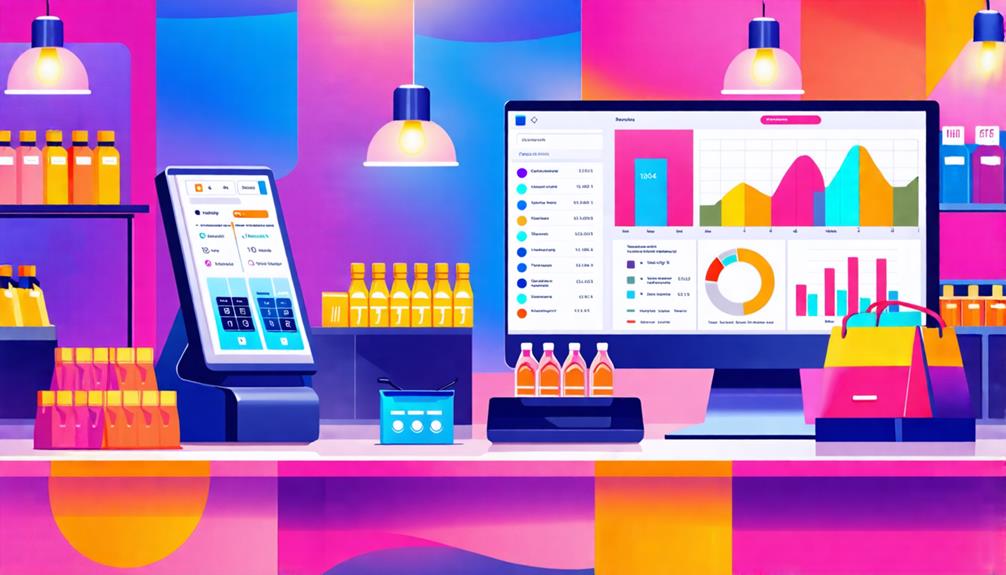
Sales reporting capabilities in POS software allow you to effortlessly track your business's performance through detailed, easily generated reports. With these features, you can monitor daily sales, identify trends, and make informed decisions that drive growth. The software enables you to generate reports for various timeframes—daily, weekly, or monthly—providing a comprehensive view of your sales landscape.
You'll benefit from blended reporting features that consolidate data from both online and in-store sales into a single dashboard, streamlining your analysis. Advanced reports can break down performance by employee, product category, and customer demographics, helping you tailor your marketing strategies and enhance staff training.
Additionally, these capabilities simplify financial reporting for tax preparation. You can compartmentalize sales data, making it easy to extract and share with your accountant. Real-time sales tracking also allows you to adjust inventory levels proactively, minimizing the risk of overstocking or stock shortages.
Integrated Payment Processing
Integrated payment processing in POS software streamlines transactions by syncing sales data with your inventory management system in real-time. This integration ensures that inventory levels are automatically updated as transactions occur, eliminating the need for manual entry.
With POS software, you can accept a variety of payment methods, including credit cards, EMV chip cards, and digital wallets such as Apple Pay and Google Pay. This flexibility enhances customer satisfaction and makes the checkout process more efficient.
Key features of integrated payment processing include:
| Feature | Benefit |
|---|---|
| Real-Time Sync | Automatically updates inventory levels |
| Multiple Payment Options | Accommodates diverse customer payment preferences |
| Secure Transactions | Protects customer data with advanced encryption |
| Comprehensive Reporting | Analyzes payment trends effectively |
Transaction fees apply for each sale processed, and these fees can vary depending on the provider and sales volume. By utilizing integrated payment processing, you not only increase transaction efficiency but also enhance customer trust through secure credit card transactions backed by robust encryption technologies.
Types of POS Systems
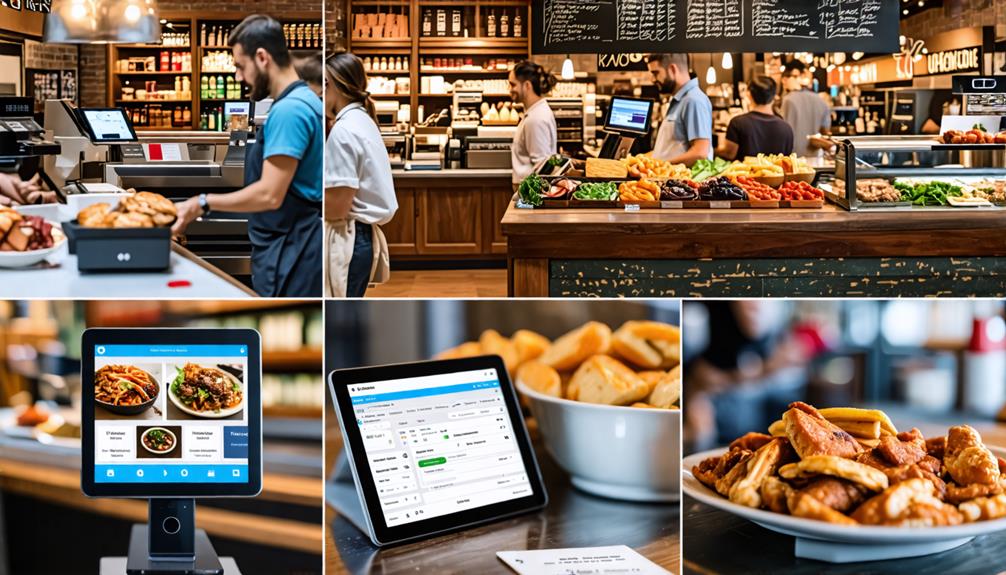
Understanding the different types of POS systems is crucial for selecting the best solution for your business. Each system offers unique features that can enhance your operations. Here are four main types of point of sale systems to consider:
- Traditional POS Systems: These hardware-based solutions, commonly used in retail, consist of cash registers and terminals. They require specific hardware components but are reliable for in-store transactions.
- Mobile POS Systems: Leveraging smartphones or tablets, these portable systems enable sales transactions anywhere, making them ideal for businesses needing flexibility and mobility.
- Cloud-based POS Systems: These solutions offer software accessibility from any internet-enabled device. They allow for inventory management and real-time data access without extensive hardware requirements.
- Self-service Kiosks: These automated checkout options let customers place orders and make payments independently, streamlining the checkout process and enhancing the customer experience.
Benefits for Businesses
Implementing a POS system significantly accelerates transaction processes, enhancing customer satisfaction. Additionally, the system's advanced inventory management capabilities allow for real-time tracking of stock levels, thereby preventing costly overstocking or shortages. These benefits streamline operations and facilitate more informed business decisions, contributing to overall efficiency and profitability.
Streamlined Transaction Processes
Implementing streamlined transaction processes through POS systems significantly enhances customer satisfaction by reducing checkout times and optimizing sales management.
Here are several key benefits of adopting a POS system that can transform your business operations:
- Faster Checkouts: Integrated payment processing supports various payment methods, such as credit cards and mobile wallets, accelerating transaction times.
- Error Reduction: Automated sales data entry minimizes human error, improving the accuracy of financial reporting.
- Real-time Inventory Updates: Instant inventory adjustments upon sale completion help prevent stock shortages and overstocking, ensuring consistent customer demand fulfillment.
- Actionable Insights: Comprehensive sales reports generated by the POS system offer valuable insights into customer purchasing behavior, enabling the development of targeted marketing strategies to boost sales efficiency.
Enhanced Inventory Management
Enhanced inventory management through POS systems allows businesses to maintain optimal stock levels, meeting customer demand while minimizing excess inventory. Real-time updates on stock levels significantly reduce the risk of overstocking or stockouts. Automated inventory tracking identifies sales trends, enabling more accurate stock ordering and reducing waste.
POS systems streamline inventory management by integrating sales data, allowing for quick adjustments based on customer demand and seasonal trends. This capability ensures that inventory aligns with customer preferences.
Detailed reporting features of these systems enable effective analysis of inventory turnover rates. This insight aids in making informed decisions about product restocking and promotions, ultimately improving profitability.
Additionally, efficient inventory management within a POS system enhances employee productivity by reducing the need for manual counting, allowing staff to focus on delivering excellent customer service. Utilizing these tools positions your business for success in today's competitive market.
Cost of Implementing POS

Implementing a POS system can be a significant investment, with traditional setups often costing tens of thousands of dollars in hardware and software. However, small businesses can find more affordable options to manage costs effectively. Although the initial expense might seem daunting, a POS system can enhance transaction speed and efficiency, reducing the need for manual inventory management.
Here are four key cost factors to consider when planning your POS implementation:
- Initial Hardware and Software Costs: Traditional systems can be expensive, but cloud-based options are generally more cost-effective.
- Monthly Subscription Fees: Many providers offer cloud-based services with monthly fees, facilitating easier budgeting over time.
- Transaction Fees: Most POS systems charge a fee for each sale processed, which can accumulate based on your sales volume.
- Additional Costs: Be mindful of potential expenses for upgrades, support, or training, as these can also impact your overall budget.
Choosing the Right POS
Choosing the right POS system is crucial for your business's success, as it directly influences efficiency and customer satisfaction. Begin by ensuring the system can integrate seamlessly with your existing management software. This ensures reliable real-time communication between sales channels, leading to better inventory management and sales tracking.
Next, evaluate the costs associated with the POS solution. Consider monthly software fees, transaction costs, and hardware compatibility to determine overall cost-effectiveness. Opt for systems that offer features tailored to your business needs, such as mobile payment acceptance and digital wallet support, which can enhance processing times.
Don't overlook the importance of customer support and training options provided by the vendor. A smooth implementation and onboarding process for your team is essential for maximizing the system's benefits. Additionally, ensure the POS system facilitates effective customer data collection, as this can enhance customer engagement and enable targeted marketing campaigns.
Data Management and Reporting
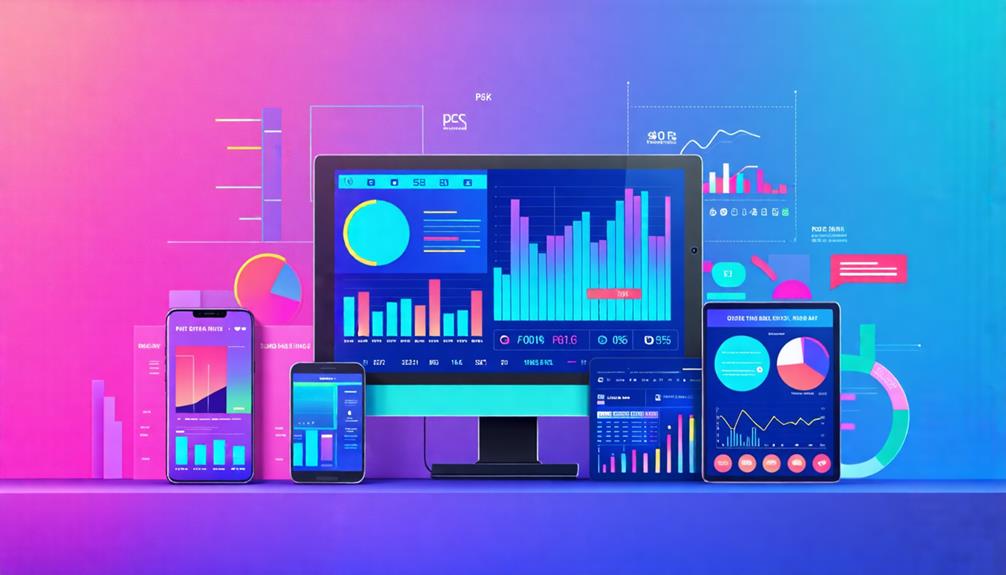
Effective data management and reporting are essential for maximizing the potential of your POS system, enabling data-driven decisions that foster business growth. By utilizing the right tools, you can analyze sales data and optimize inventory management to ensure seamless operations.
Here are four key benefits of effective data management and reporting:
- Comprehensive Sales Reports: Your POS system generates detailed sales reports, helping you identify performance trends and make informed stock ordering decisions.
- Real-Time Data Synchronization: Access to real-time sales data allows for precise inventory management, reducing the risks of overstocking or stock shortages.
- User-Friendly Dashboards: Many POS systems feature intuitive reporting dashboards that facilitate comparison of online and in-store sales, simplifying financial data interpretation.
- Simplified Tax Preparation: Exporting sales data streamlines the tax preparation process, enabling you to provide accurate records to your accountant with ease.
Enhancing Customer Experience
Leveraging the capabilities of your POS system to enhance customer experience can significantly boost loyalty and satisfaction. By streamlining transaction processes, you can reduce checkout times and minimize wait times, making shopping more enjoyable for customers.
Your POS system can track customer purchases and preferences, enabling targeted marketing and personalized rewards programs. This approach fosters loyalty as customers feel valued and appreciated. Additionally, integrating customer relationship management (CRM) features allows you to manage interactions and offer tailored promotions based on customer data.
Real-time inventory management is another crucial aspect. With your POS system, you can ensure that customers have access to available products, reducing frustration from stock shortages. This not only improves their experience but also demonstrates your commitment to providing excellent service.
Conclusion
In summary, adopting POS software can significantly enhance your business operations. By understanding its key features, types, and benefits, you can make informed decisions tailored to your specific needs.
Investing in the right POS system not only streamlines transactions but also improves customer experiences and boosts profitability. Therefore, take the necessary time to explore your options.
Doing so will position you well to optimize your business and satisfy your customers.