How to Choose the Right POS System for Your Business
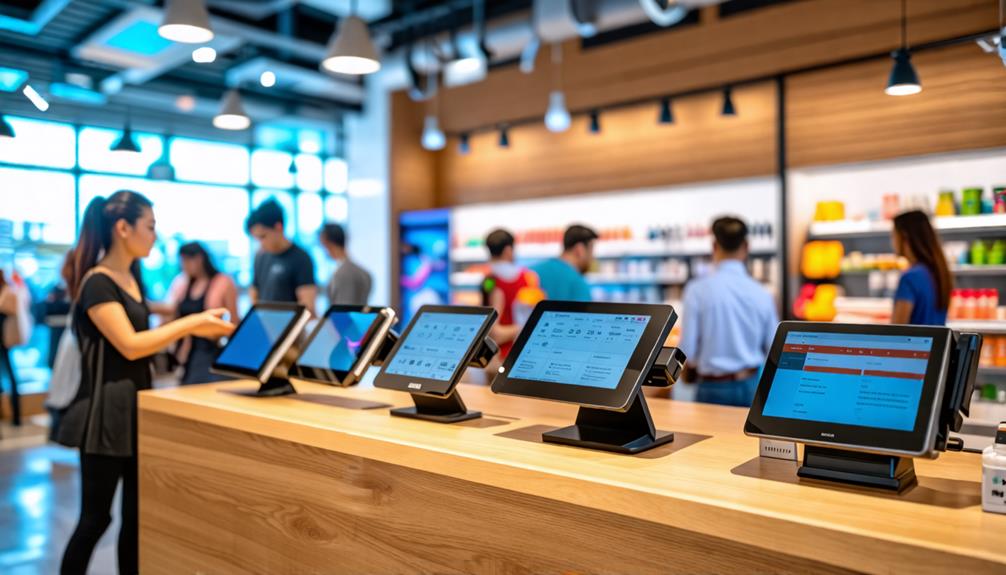
When selecting a POS system for your business, start by evaluating your specific needs and operational requirements. Consider your budget, essential features, and how well the system integrates with your existing processes.
While the task may seem daunting initially, understanding what to look for can simplify your decision. The right choice can not only enhance efficiency but also significantly improve the customer experience.
So, what should you consider next?
Understanding POS Systems
POS systems have evolved from simple cash registers into advanced tools that streamline transactions and enhance overall business management. Modern POS systems aren't just payment processors; they offer a multitude of features that can significantly improve your business operations. With approximately 68% of businesses utilizing these systems, their impact on sales and efficiency is undeniable.
These systems support a variety of payment methods, catering to the increasing prevalence of noncash transactions, which are projected to reach 841 billion globally in 2023. In addition to handling payments, modern POS systems offer essential functionalities like inventory management, analytics, and customer relationship management (CRM) tools. These features enable you to make data-driven decisions and optimize your operational efficiency.
When selecting a POS system, it's crucial to consider its security features. Effective POS systems comply with PCI Data Security Standards to safeguard customer payment information, ensuring secure transactions.
Assessing Your Business Needs
When assessing your business needs, begin by identifying your operational requirements and current challenges. This will help you determine the essential features for your POS system. Additionally, consider your budget constraints, as these will impact your available options.
Identify Operational Requirements
Evaluating your operational requirements is crucial to ensure the POS system you select effectively addresses your business's unique challenges. Begin by identifying key operational needs, such as inventory management and customer experience, to determine which features are essential for your business.
Consider the following factors when reviewing your operational requirements:
| Factor | Startups | Advanced Businesses |
|---|---|---|
| System Complexity | Simple, out-of-the-box solutions | Advanced features like user roles and multi-location syncing |
| Hardware | Basic tablets or iPads | Custom-built systems tailored for different locations |
| Payment Acceptance | Mobile and on-site payments | Multiple payment methods across various locations |
Understanding these elements will guide you in selecting the appropriate hardware and software. For example, if inventory management is a priority, ensure the POS system can efficiently track stock levels. Additionally, clearly defining your customer experience expectations will help you choose a system that enhances customer engagement and satisfaction. By addressing these operational needs, you'll be better equipped to select a POS system that supports your business goals.
Evaluate Current Challenges
Identifying your business's current challenges is essential for selecting a POS system that enhances efficiency and customer experience. Start by examining specific operational struggles, such as inefficient inventory management or slow checkout processes, to pinpoint the fundamental capabilities your POS system should include.
Next, evaluate your transaction volume and customer payment preferences. This assessment will highlight areas where a POS system can streamline your workflow. Small businesses often need straightforward, out-of-the-box solutions, while more advanced operations may require features like user roles or multi-location syncing to support growth.
Additionally, ensure the new POS system integrates seamlessly with your existing tools and software to minimize disruptions to daily operations. The ideal POS system shouldn't only address current challenges but also be adaptable to your business's future needs.
Determine Budget Constraints
Establishing a budget for your POS system is essential to ensure you select a solution that aligns with your financial constraints without compromising on key features. To determine your budget accurately, consider the following costs:
| Cost Type | Estimated Amount | Notes |
|---|---|---|
| Initial Setup | $1,200 - $6,500 | Includes hardware and software costs |
| Monthly Fees | $30 - $230 | Depends on system features |
| Ongoing Annual Fees | $600 - $1,200 | Covers maintenance and support |
| Hidden Fees | Varies | Transaction fees and other potential costs |
| Affordable Options | Free plans with fees | Example: Square |
It's important to assess potential hidden fees, such as transaction fees, that can significantly impact your total expenses. By understanding all associated costs, you can make an informed decision that aligns with your financial goals and ensures you retain essential features.
Key Features to Look For

When selecting a POS system, prioritize integration capabilities and payment security standards. A system that seamlessly connects with your existing tools can streamline operations, while robust security measures protect your customers' data. Both features are essential for enhancing efficiency and building trust in your business.
Integration Capabilities
How well a POS system integrates with your existing tools can significantly impact your business's efficiency and growth potential.
When evaluating integration capabilities, focus on the following key features:
- Accounting Software Compatibility: Ensure the POS system seamlessly integrates with your current accounting software. This integration streamlines financial management, making it easier to track sales and expenses accurately.
- Multi-Channel Capabilities: Look for systems that support integration across various sales channels, such as eCommerce platforms and physical stores. This feature helps synchronize sales and inventory, providing a unified customer experience.
- API Availability: Opt for a POS system that offers API access. APIs facilitate future integrations with third-party applications, allowing you to customize your system as your business evolves.
Payment Security Standards
Choosing a POS system requires prioritizing payment security standards to protect your customers' sensitive information during transactions. To ensure you're making a secure choice, look for features that comply with PCI Data Security Standards (PCI DSS). These standards are vital for safeguarding customer payment data during processing.
Here are key features to look for:
| Feature | Importance | Why It Matters |
|---|---|---|
| End-to-End Encryption | Protects payment info during transfer | Keeps data secure from interception |
| Regular Security Patches | Defends against vulnerabilities | Ensures your system stays updated |
| Two-Factor Authentication | Enhances user access control | Prevents unauthorized access |
| Transparent Data Policies | Builds customer trust | Ensures compliance and clarity |
Budgeting for a POS System
Budgeting for a POS system involves understanding both the initial setup costs and ongoing fees to ensure your business remains financially viable. To create a thorough budget, consider the following factors:
- Initial Setup Costs: The total costs for POS setup can range from $1,200 to $6,500, depending on your specific hardware and software needs.
- Monthly Fees: For a one-register POS system, expect monthly fees to range from $30 to $230. Include these in your ongoing budget.
- Credit Card Processing Fees: These fees can significantly impact profitability, so compare different providers to find the best rates.
Additionally, consider ongoing annual fees, which can be estimated between $600 and $1,200. These figures highlight the importance of long-term financial planning. If you're a startup or small business on a tight budget, consider affordable options like Square, which offers free plans with only transaction fees. Keeping these factors in mind will help you create a realistic budget for your POS system, ensuring you're prepared for both immediate and future costs.
Evaluating Software and Hardware
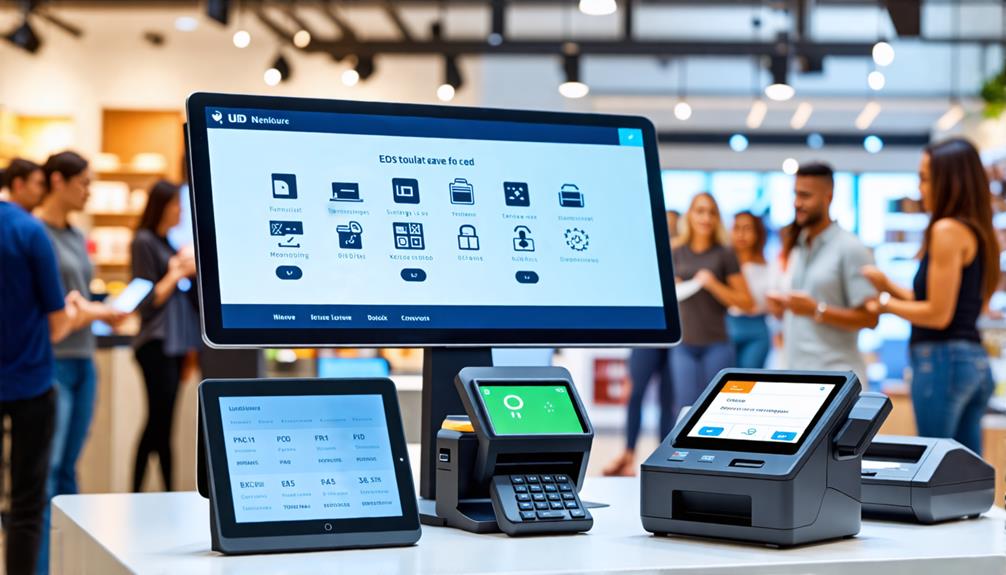
When evaluating software and hardware for your POS system, it's crucial to ensure they meet your specific business needs and integrate smoothly with your existing operations. Begin by assessing the software's capabilities to see if they align with your requirements, such as inventory management, customer relationship management, and sales reporting. Ensure that the software is compatible with your current tools, as seamless integration enhances workflow efficiency.
Next, determine the hardware needs based on the size and scope of your business. Smaller retailers might find a basic setup, like a tablet or mobile POS, sufficient, while larger operations may require more advanced equipment, such as barcode scanners and receipt printers.
Consider the advantages of cloud-based solutions, which offer flexibility and scalability. These solutions allow for easier updates and remote access from various devices, which is particularly beneficial if you manage multiple locations.
Lastly, review the total cost of ownership for both software and hardware, including potential hidden fees related to credit card processing or monthly service charges. This comprehensive evaluation will help you select the right POS system to effectively support your business goals.
Integration Capabilities
Integration capabilities are crucial for a POS system, as they determine how effectively it can work with your existing tools and enhance your business's overall efficiency. When selecting a POS system, consider the following:
- Compatibility with Third-Party Applications: Ensure the system can seamlessly integrate with the software you already use, such as accounting or inventory management tools. This integration streamlines operations and minimizes manual data entry.
- CRM System Integration: Choose a POS that can connect with your CRM systems. This integration enables you to capture valuable customer data, aiding in personalized marketing efforts and improving customer retention strategies.
- API Availability: Select a POS system with API capabilities to facilitate future integration options. This flexibility ensures that your system can adapt to new technologies and applications as your business evolves, maintaining interoperability and relevance.
Growth and Scalability
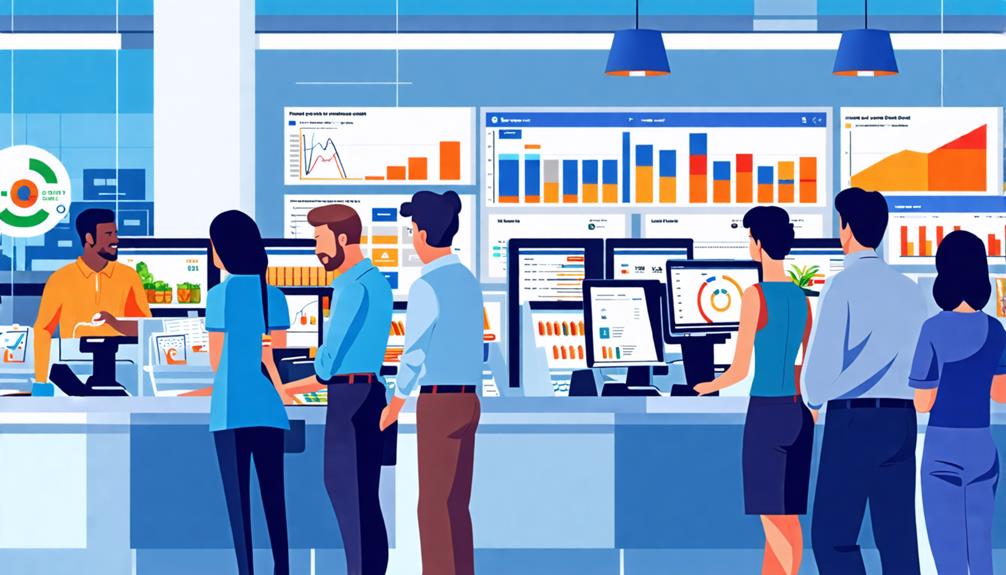
A well-chosen POS system not only integrates smoothly with your existing tools but also supports your business's growth and scalability as you expand. When selecting a system, consider one that adapts to your trajectory. Look for features that facilitate multi-location integration and support increased sales.
Cloud-based POS solutions are ideal since they allow for easy updates and access from multiple locations. This flexibility reduces maintenance burdens while enabling business expansion. Moreover, a robust POS should offer data analytics tools to track sales trends and customer behavior, empowering you to make informed decisions that drive growth.
Here's a quick comparison of different features to consider:
| Feature | Importance |
|---|---|
| Multi-location integration | Crucial for expanding businesses |
| Cloud-based accessibility | Reduces maintenance and supports growth |
| Data analytics capabilities | Helps track trends for informed decisions |
| Cost of scalability | Impacts overall budget as you grow |
| Vendor research | Ensures compatibility and efficiency |
Testing and Support Options
Testing your POS system before committing is crucial to ensure it meets your business needs effectively. Many providers offer free trials or demo periods, allowing you to explore the system's functionality and user interface. During this testing phase, focus on the following aspects:
- Customer Support Availability: Verify that the provider offers 24/7 customer support. Immediate assistance is essential during operational emergencies or technical issues.
- Quality of Support: Examine customer reviews and testimonials to evaluate response times and problem-solving effectiveness. This will help you avoid potential frustrations in the future.
- Training Resources: Ensure there are comprehensive training resources, such as video tutorials and user manuals. These tools will facilitate smooth onboarding for your staff, ensuring they're comfortable with the new system.
Making the Final Decision
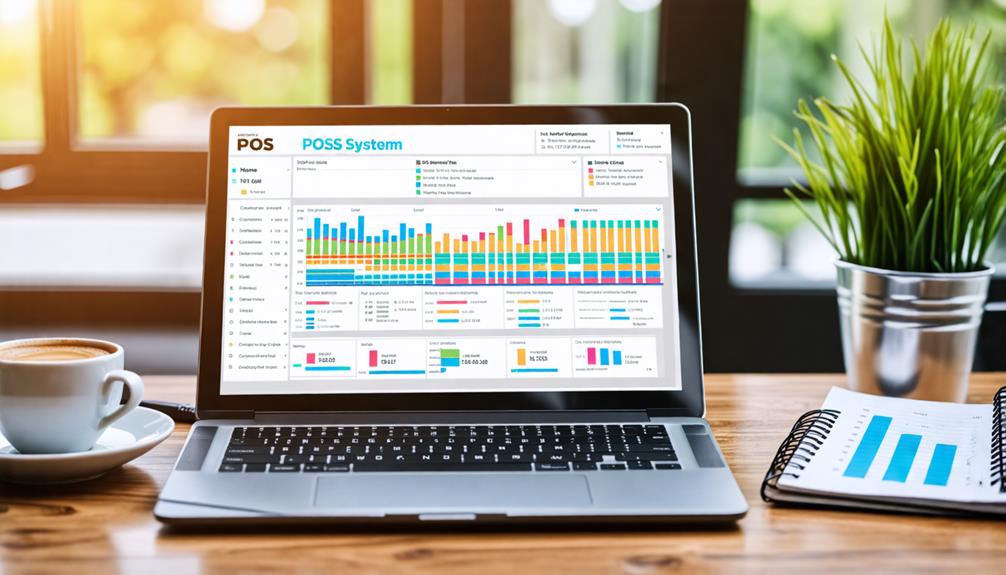
Once you've thoroughly evaluated your options, it's time to choose a POS system that not only fits your current needs but also positions your business for future growth. Start by considering the total cost of ownership, which includes hardware, software, and credit card processing fees. This can range from $1,200 to $6,500 annually, depending on your setup. Ensure that the system is scalable and can support future requirements like multi-location management.
Next, assess the quality of customer support provided. Reliable, 24/7 assistance is crucial during operational emergencies, so verify the responsiveness and effectiveness of the service team. You don't want to find yourself without help when it's most needed.
Conclusion
Selecting the right Point of Sale (POS) system is crucial for your business's success. By thoroughly understanding your specific needs and evaluating essential features, you can identify a solution that integrates seamlessly into your operations.
Consider your budget and future growth potential to ensure long-term viability. Testing different systems and ensuring robust customer support will help you avoid future issues. Take your time with this decision to set your business up for success with a reliable and effective POS system.