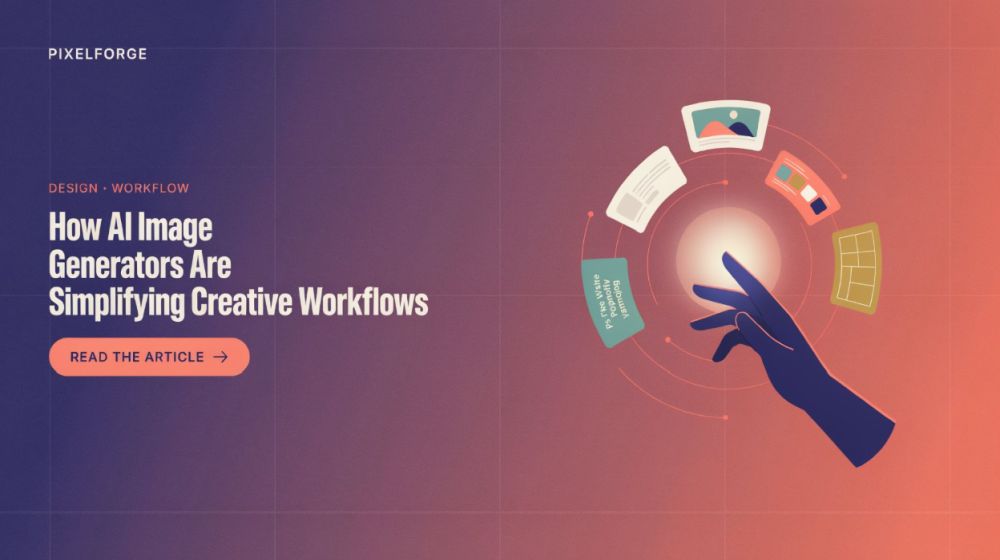
How AI Image Generators Are Simplifying Creative Workflows
In the past, creating high-quality visual content required extensive planning, specialized software, and several rounds of manual editing. Artificial intelligence (AI) in image creation is revolutionizing this process by streamlining the creation of useful visuals from ideas while preserving the importance of human judgment.
AI Is Making Visual Creation More Accessible
People can now use natural language to describe what they want with modern AI image tools. A user doesn't have to start from scratch; they may describe the subject, style, backdrop, lighting, and atmosphere they want to achieve.
Examples of AI-assisted image-creation tools that offer this kind of adaptable workflow include Nano Banana 2.5 AI image generator. Users can experiment with different versions, fine-tune details, and test concepts without building every idea from scratch.
Those in marketing, blogging, design, or small-company industries who often need to conceptualize visual ideas may find this beneficial.
Faster Experimentation Can Improve Creative Decisions
The capacity to swiftly test multiple paths is one of the greatest advantages of AI-assisted image production.
Before settling on a visual style for a campaign, a team may require many possibilities. Artificial intelligence can generate initial ideas that teams can then evaluate and refine, reducing the time needed for early-stage preparation.
Common Uses for AI-Generated Images
Tasks that AI image tools can assist:
- Creating visual content for online blogs
- Deliberating on potential ways to display products
- Creating inspirational imagery
- Trying out various aesthetic approaches
- Developing ideas for social media
The goal isn't necessarily to finish the picture right away. Artificial intelligence (AI) often shines in the early phases of brainstorming and testing.
Better Prompts Lead to Better Results
Clear instructions are important for producing useful AI-generated images.
A less specific prompt may lead to an ambiguous outcome, while a more specific one gives the system clearer guidance. Relevant details include the subject, setting, lighting, perspective, colors, and desired mood.
Refine the Image Step by Step
The initial prompt does not require users to provide an exhaustive description.
Creating an initial image, reviewing the result, and then adjusting specific parts is a sensible technique. Users can maintain control over the final direction, and the process becomes easier to manage.
Human Review Is Still Essential
The accuracy and appropriateness of AI-generated images are not guaranteed.
Inconsistencies may appear in minor details, including illegible writing in photographs and real-life scenes with elements that don't make sense. Double-check these things before using them for business.
Also, when creating an image, think about your brand, your target demographic, and the message you want to convey. Even if the final result is aesthetically pleasing, it may not be appropriate if it leads to misunderstandings or incorrect conclusions.
Responsible AI Use Matters
When used to augment human creativity rather than supplant it, AI image tools truly shine.
Before publishing, users should ensure created graphics are accurate, relevant, and high quality. When doing so would deceive an audience, they should likewise refrain from presenting fake photos as real ones.
Conclusion
Thanks to AI picture generators, users can more easily test, improve, and explore visual concepts, speeding up and increasing the flexibility of creative workflows. Combining rapid experimentation with careful human evaluation is where their true value lies; it lets creator work quickly without sacrificing control over quality.