Essential POS Hardware Components for Your Business

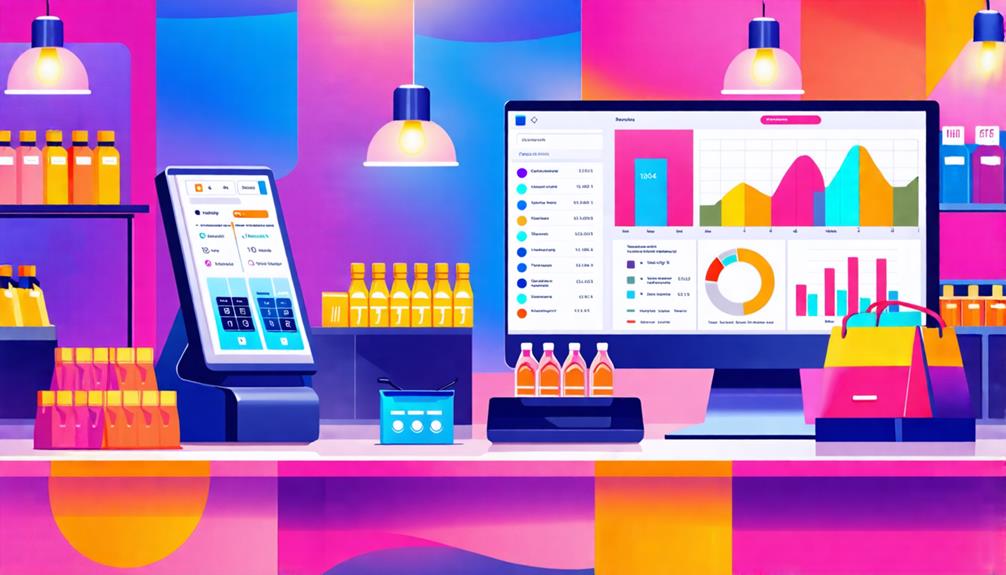
When setting up or upgrading your business's POS system, understanding the essential hardware components is crucial for enhancing efficiency and customer satisfaction. Investing in the right POS terminal, barcode scanner, and receipt printer can streamline transactions and improve service speed.
Beyond these basics, there are additional tools that can significantly impact your operations. What should you consider to ensure you're not overlooking important hardware that could elevate your business?
POS Terminal
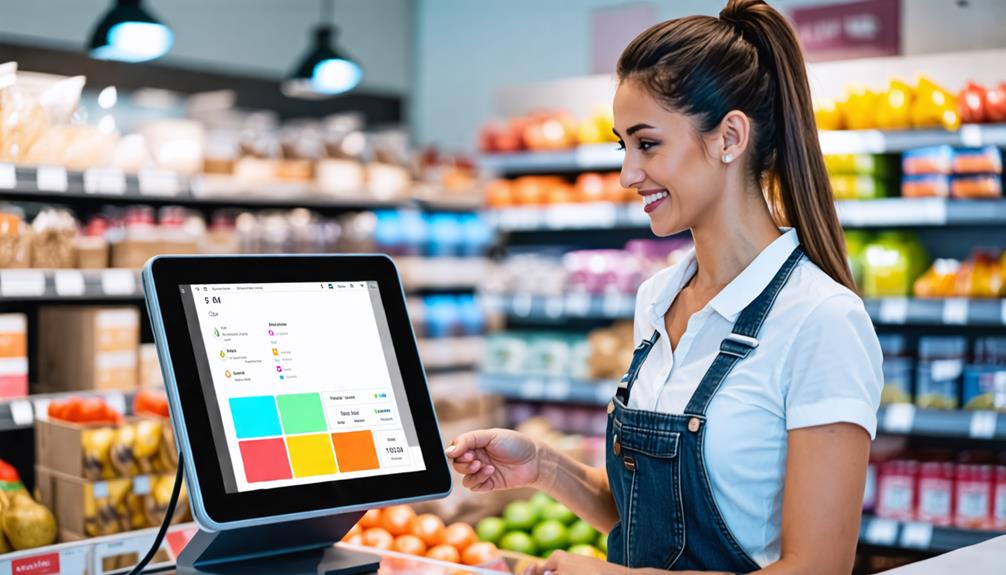
A POS terminal serves as the core of your POS system, functioning as a modern cash register that handles transactions and supports various payment methods.
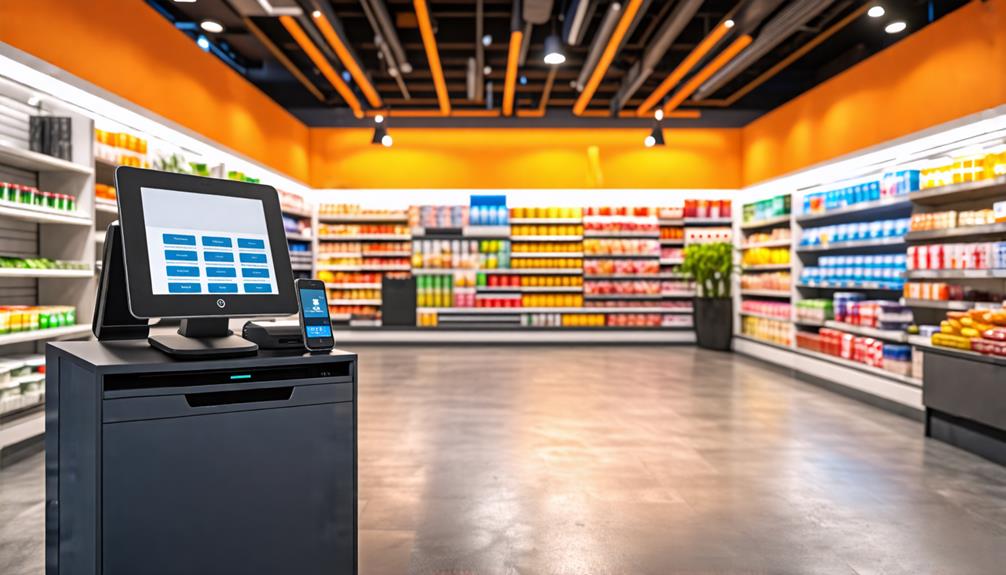
When selecting a POS terminal, it's crucial to consider the hardware components that best align with your business needs. For instance, touchscreen displays can make order input and transaction processing more intuitive and efficient. You have the option to choose all-in-one systems that combine the monitor, cash drawer, and receipt printer into a single unit, or you can opt for separate components tailored to your specific requirements. Regardless of the setup, ensure that the POS terminal is compatible with other peripherals, such as barcode scanners, to further streamline your operations.
The cost of POS terminals generally ranges from $1,000 to $3,000, depending on features and processing speed. Investing in a reliable POS terminal not only facilitates seamless transaction processing but also enhances the overall customer experience.
Barcode Scanner
The speed and accuracy of your barcode scanner can significantly impact business efficiency. With options such as handheld, fixed-position, laser, and imaging scanners, each designed for specific applications, selecting the appropriate type can streamline operations and enhance customer satisfaction.
Scanning Speed Importance
Scanning speed is crucial in retail, as faster barcode scanners can significantly reduce transaction times and enhance customer satisfaction during peak hours. High-quality barcode scanners can achieve impressive speeds of up to 300 scans per second, markedly improving operational efficiency compared to lower-end models that manage only about 30 scans per second.
This increase in speed not only allows for quicker customer service but also improves accuracy. Advanced scanners minimize manual entry errors often associated with slower scanning processes, saving time and reducing costs. In retail environments, handheld barcode scanners offer the flexibility to navigate checkout lines seamlessly, enhancing the overall shopping experience.
Furthermore, investing in high-speed barcode scanners enhances inventory management. With real-time updates, stock levels are accurately reflected, minimizing discrepancies and ensuring the availability of the right products. In a fast-paced retail setting, every second counts; faster scanning means quicker transactions, satisfied customers, and a more efficient operation.
Therefore, prioritizing scanning speed in your POS setup can significantly impact your business's success.
Types of Scanners
Understanding the different types of barcode scanners available can help you choose the right one for your business needs, enhancing both efficiency and accuracy at checkout. Here's a quick overview of the main types:
| Type | Key Features | Best For |
|---|---|---|
| Handheld Scanners | Portable and easy to use | Retail and Field Use |
| Fixed-Position Scanners | Hands-free operation, ideal for checkout | High-Volume Sales |
| Imaging Scanners | Reads both 1D and 2D barcodes | Diverse Product Packaging |
| Laser Scanners | High-speed and accurate for 1D barcodes | Rapid Data Capture |
Laser scanners are known for their speed and accuracy, making them ideal for scanning 1D barcodes, while imaging scanners offer versatility for 2D barcodes. By investing in quality barcode scanners, you can significantly increase checkout efficiency and improve operational efficiency in inventory tracking. The average cost ranges from $100 to $300, making them an affordable tool for enhancing your business's performance. Ultimately, selecting the right type of scanner helps minimize manual entry errors, ensuring faster transactions and better inventory management.
Customer Facing Display
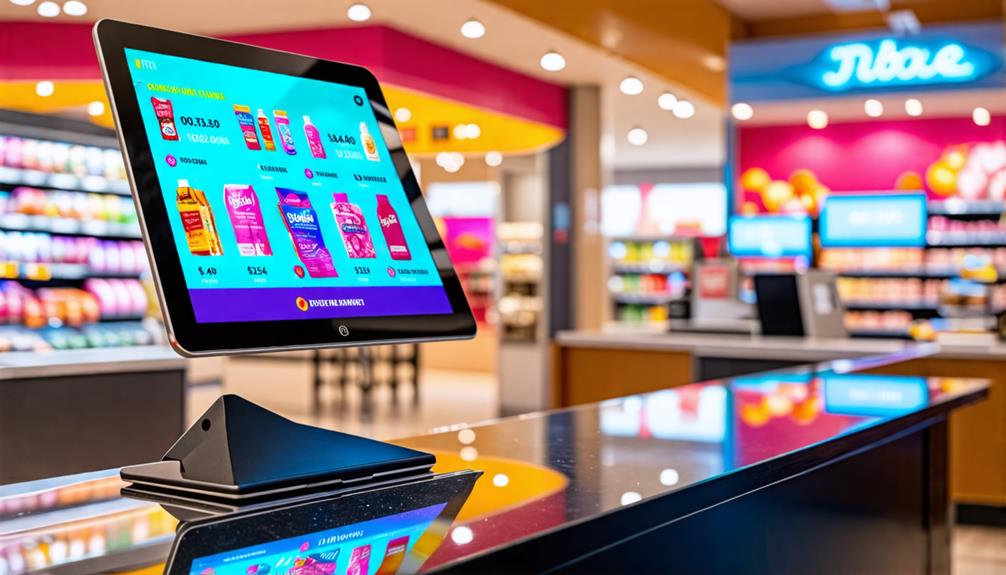
A customer-facing display enhances the checkout experience by displaying transaction details, ensuring customers are well-informed and engaged during payment. These displays present essential information such as product names, prices, taxes, and total costs, thereby improving transparency and building trust with your customers.
Integrating a customer-facing display with your POS system enables real-time updates during transactions, minimizing errors and enhancing customer satisfaction. Even if your main monitor is visible to customers, having a dedicated display can significantly improve the shopping experience by providing clear, immediate information.
Additionally, customer-facing displays offer valuable marketing opportunities. You can showcase promotional messages or advertisements at the point of sale, creating opportunities for upselling and further engaging your customers.
With prices typically under one hundred dollars, a customer-facing display is a cost-effective enhancement that can elevate your business.
Cash Drawer
When it comes to cash drawers, security features are crucial for safeguarding your cash and valuables. It's also important to consider the size and configuration options that meet your business requirements, as well as the drawer's compatibility with your POS system. Each of these factors is essential for ensuring efficient and secure cash management.
Security Features Overview
Securing your cash drawer is crucial for preventing theft and ensuring smooth cash management during transactions. Implementing the right security features can significantly enhance your operations. Here are four key aspects to consider:
- Lock Mechanisms: Cash drawers often come equipped with robust lock mechanisms to deter unauthorized access, thus enhancing theft prevention.
- Remote Opening: Many electronic models offer remote opening through your POS system, thereby minimizing the chances of unauthorized access.
- Alerts: Some cash drawers feature advanced alerts that notify staff if the drawer is opened without a transaction, providing an extra layer of protection.
- Durability: Select cash drawers designed for frequent use. High-quality options retain their security features over time, ensuring longevity and reliability.
Additionally, ensure compatibility with your POS system for seamless integration. This reduces the risk of errors and enhances operational efficiency, allowing you to focus on running your business.
Size and Configuration Options
Selecting the appropriate size and configuration for your cash drawer is crucial to meet your business's specific needs and enhance operational efficiency. Cash drawers typically range from 16 to 20 inches in width, allowing you to choose one that fits your countertop space optimally. Configuration options include manual and electronic models; electronic drawers offer automatic opening via signals from your POS system, thus enhancing security and efficiency.
Durability is a significant factor when selecting a cash drawer. These drawers are designed to endure frequent usage, often constructed from robust materials like steel or high-impact plastic. Many models feature removable cash tills, simplifying cash management during busy periods.
Additionally, consider security features such as locks and alarms to prevent theft and unauthorized access. By selecting the right size and configuration, you ensure that your cash drawer not only meets your operational requirements but also safeguards your cash assets effectively.
Integration With POS Systems
Integrating your cash drawer with your POS system enhances transaction efficiency and overall operational effectiveness. Seamless integration offers several key benefits:
- Faster Transactions: The cash drawer opens automatically post-transaction, eliminating delays.
- Enhanced Security: Secure storage for cash, checks, and vouchers reduces theft or loss risk.
- Efficient Cash Management: Removable cash tills facilitate quicker and easier shift changes and end-of-day reconciliations.
- Durability: A robust cash drawer withstands frequent use, ensuring long-term reliability.
Selecting a cash drawer compatible with your POS system minimizes technical issues, allowing you to concentrate on customer service instead of troubleshooting. This compatibility enhances efficiency and contributes to a smoother workflow. Investing in a high-quality cash drawer ensures secure cash management and an organized system that supports your business's growth. This essential component plays a critical role in your daily operations, so choose wisely.
Receipt Printer
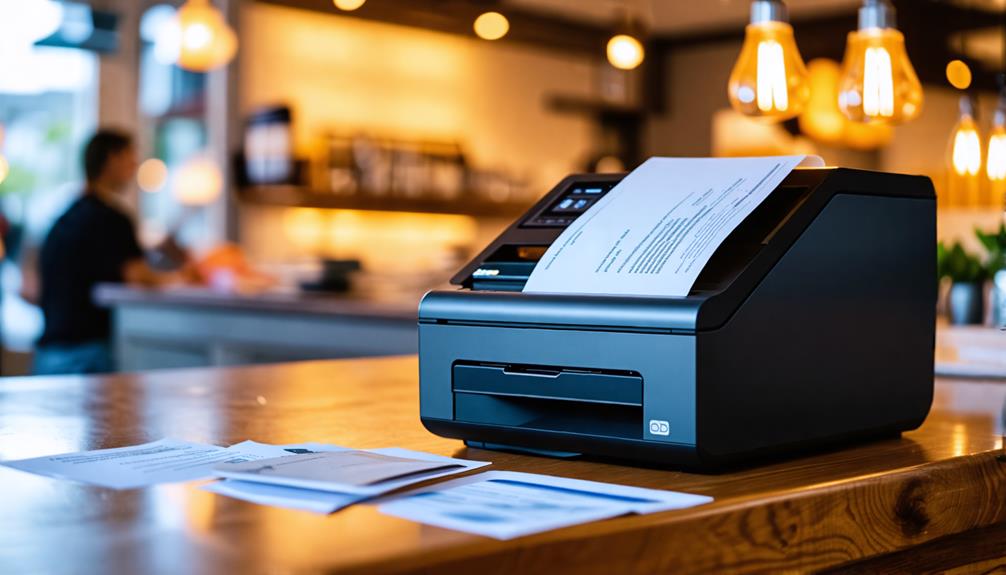
Receipt printers play a crucial role in your business by quickly generating itemized sales receipts, serving as proof of purchase for customers. These devices streamline transaction processing and enhance the overall customer experience during checkout. Among various types, thermal printers are the most popular due to their speed, low maintenance, and cost-effectiveness.
When selecting a receipt printer, ensuring compatibility with your POS system is essential for seamless integration. Here's a quick comparison of the main types of receipt printers:
| Type | Advantages | Disadvantages |
|---|---|---|
| Thermal | Fast, low maintenance, cost-effective | Limited to monochrome printing |
| Impact | Durable, reliable | Slower, noisy |
| Inkjet | High-quality color prints | Higher maintenance costs |
Investing in thermal receipt printers typically ranges between $150 and $300, making them a budget-friendly option for many businesses. Their ability to generate sales receipts in seconds not only increases efficiency but also leaves a positive impression on your customers, ensuring they leave with proof of purchase in hand.
Keyboard & Mouse
Keyboards and mice are essential tools for efficiently inputting data and navigating your POS system. Choosing the right setup can significantly impact your business's success. Consider these four key factors:
- Ergonomic Design: Comfort is crucial, especially during long shifts. An ergonomic keyboard and mouse can reduce strain and improve productivity.
- Wireless Options: Wireless devices reduce cable clutter, creating a more organized workspace that meets your business needs.
- Compatibility: Ensure your keyboard and mouse are compatible with your POS system to prevent technical issues that could slow down transactions.
- Transaction Speed & Staff Efficiency: A responsive keyboard and mouse setup can increase transaction speed, enabling your staff to serve customers more effectively.
Investing in the right keyboard and mouse enhances both business operations and customer experience. When your staff can navigate the POS system quickly and comfortably, everyone benefits. Choose wisely and watch your operations flourish!
Conclusion
Incorporating essential POS hardware components can significantly enhance your business operations. Investing in reliable tools such as a POS terminal, an efficient barcode scanner, and a secure cash drawer will streamline transactions and improve customer experiences. Additionally, accessories like a receipt printer and an ergonomic keyboard add convenience.
With the right setup, you can reduce errors, improve service quality, and drive customer satisfaction, ultimately boosting your bottom line. Now is the time to elevate your business!